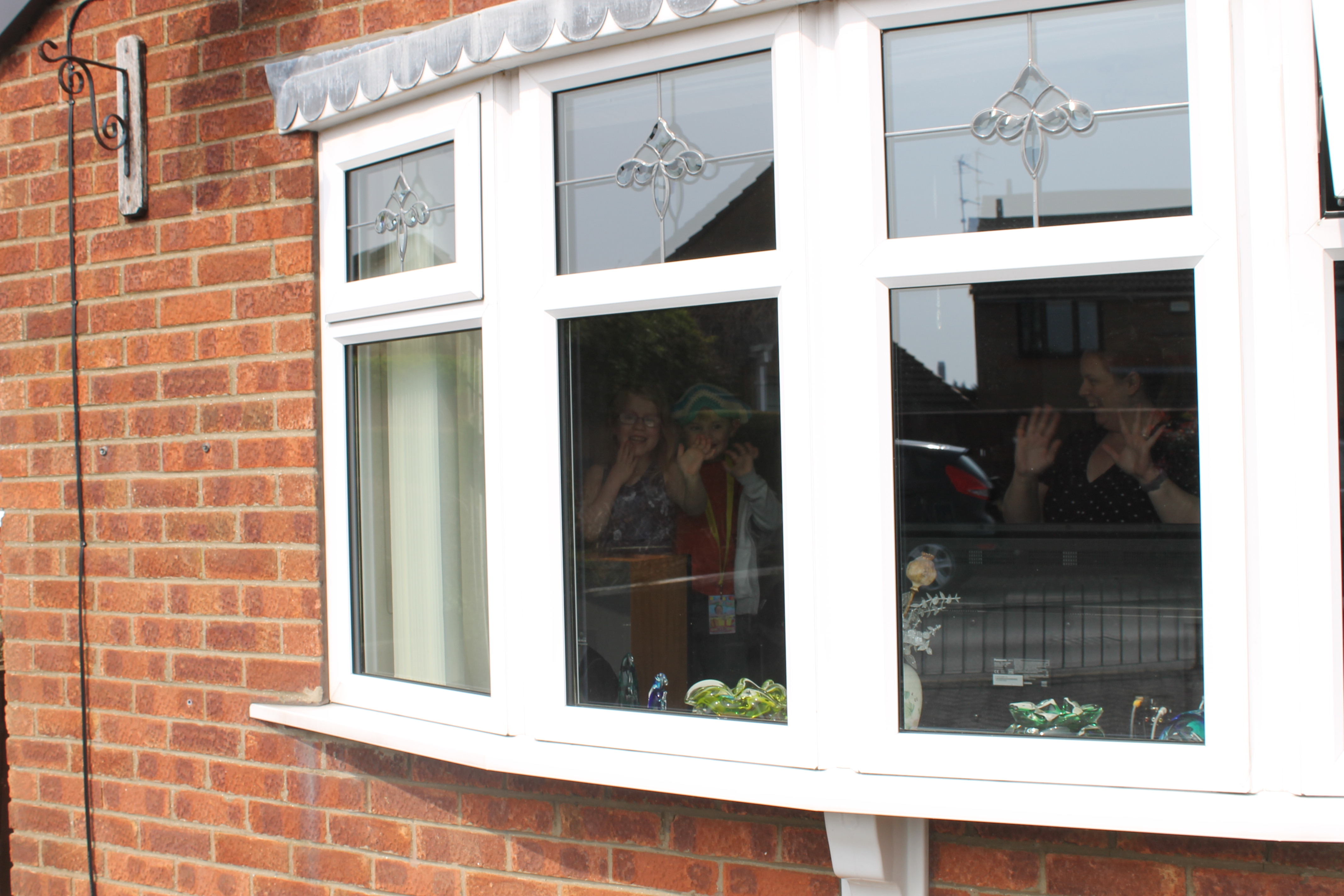
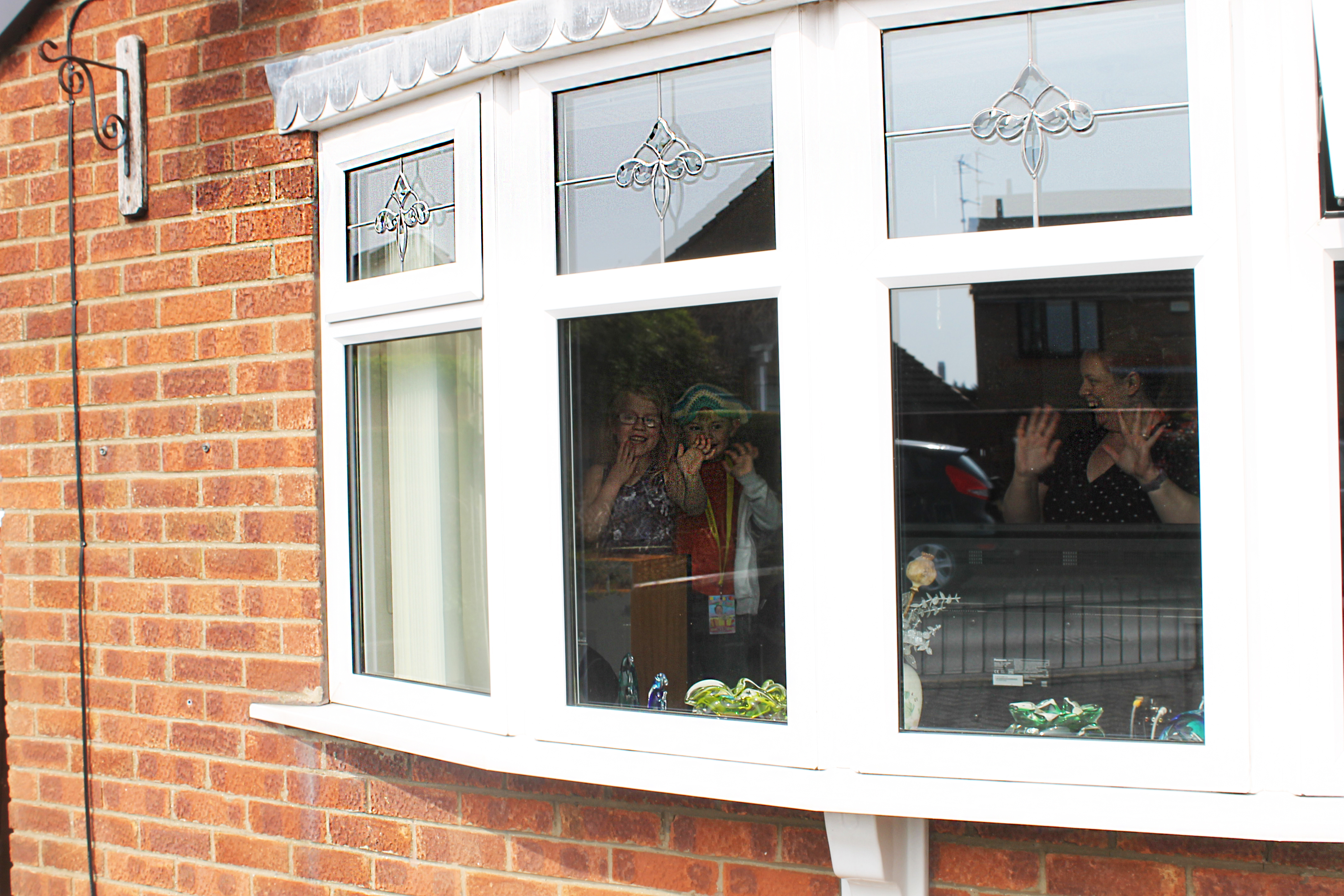
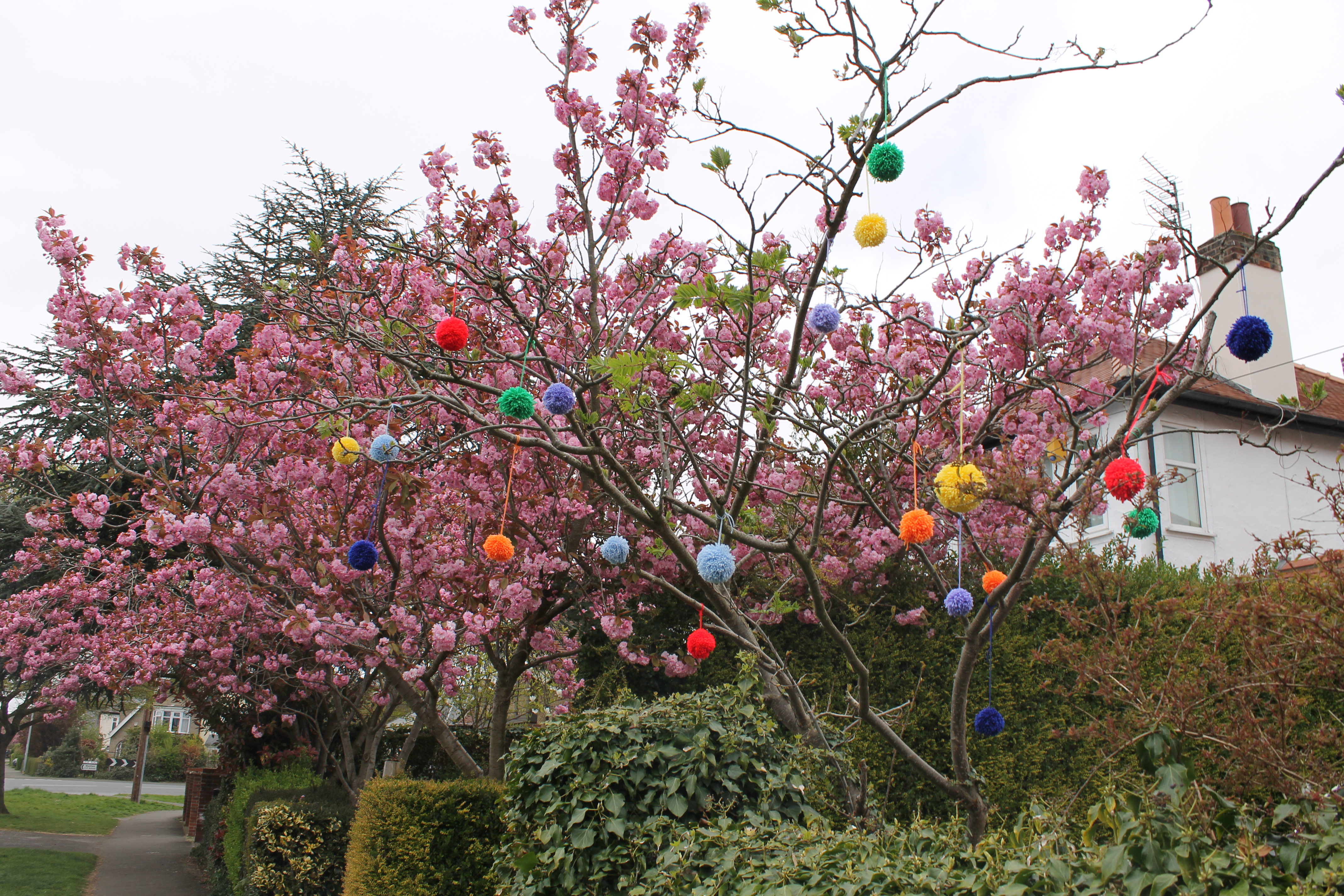
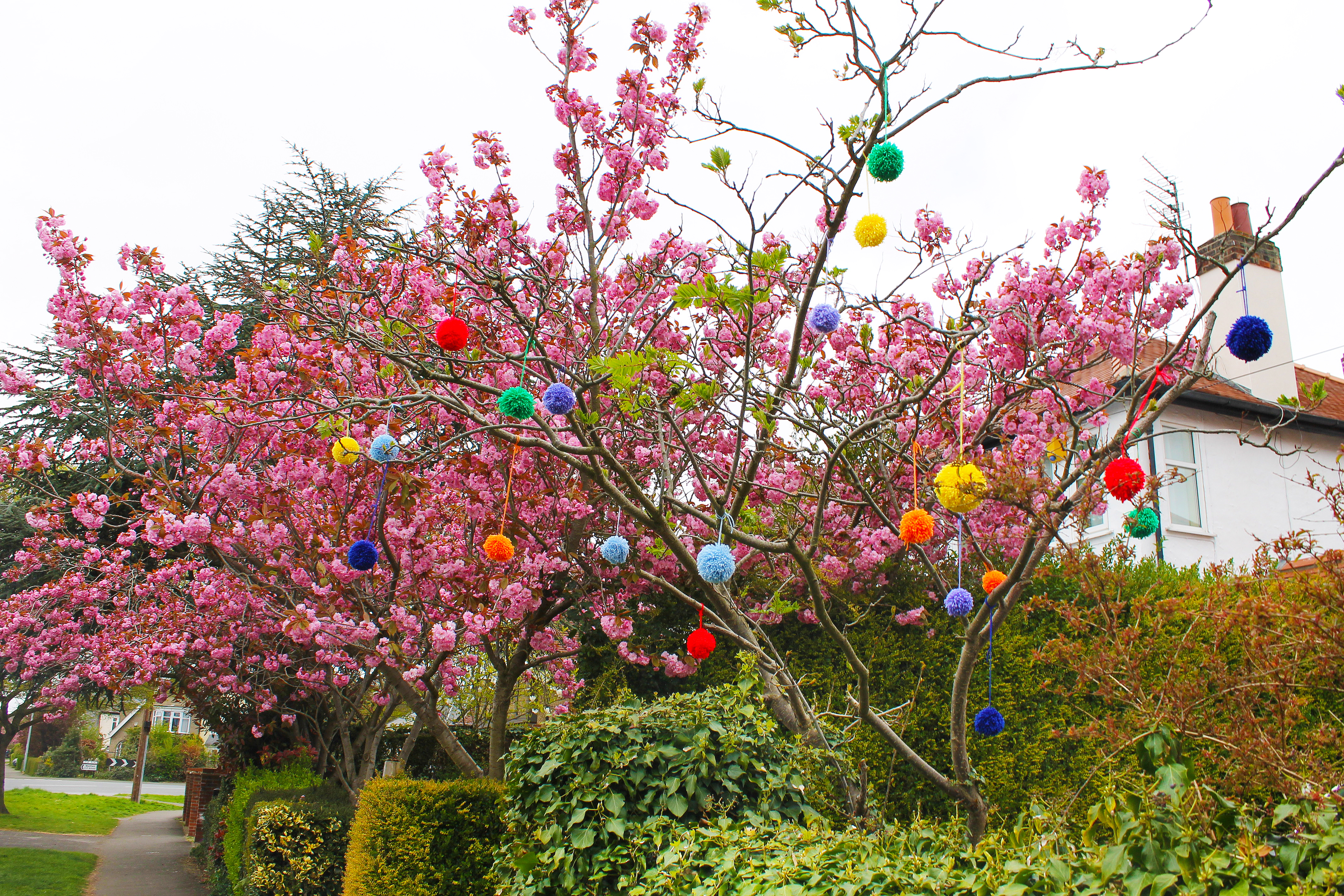
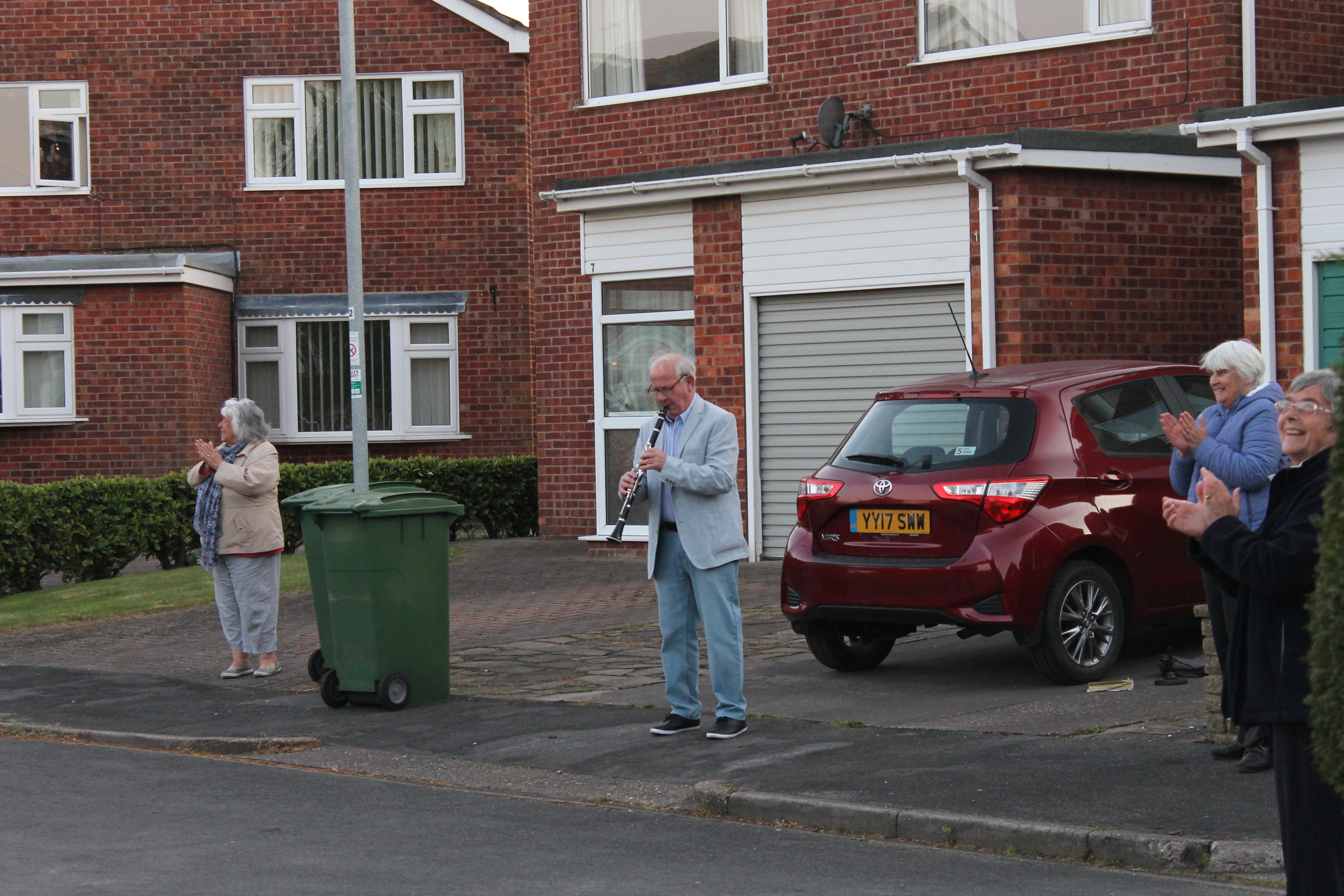
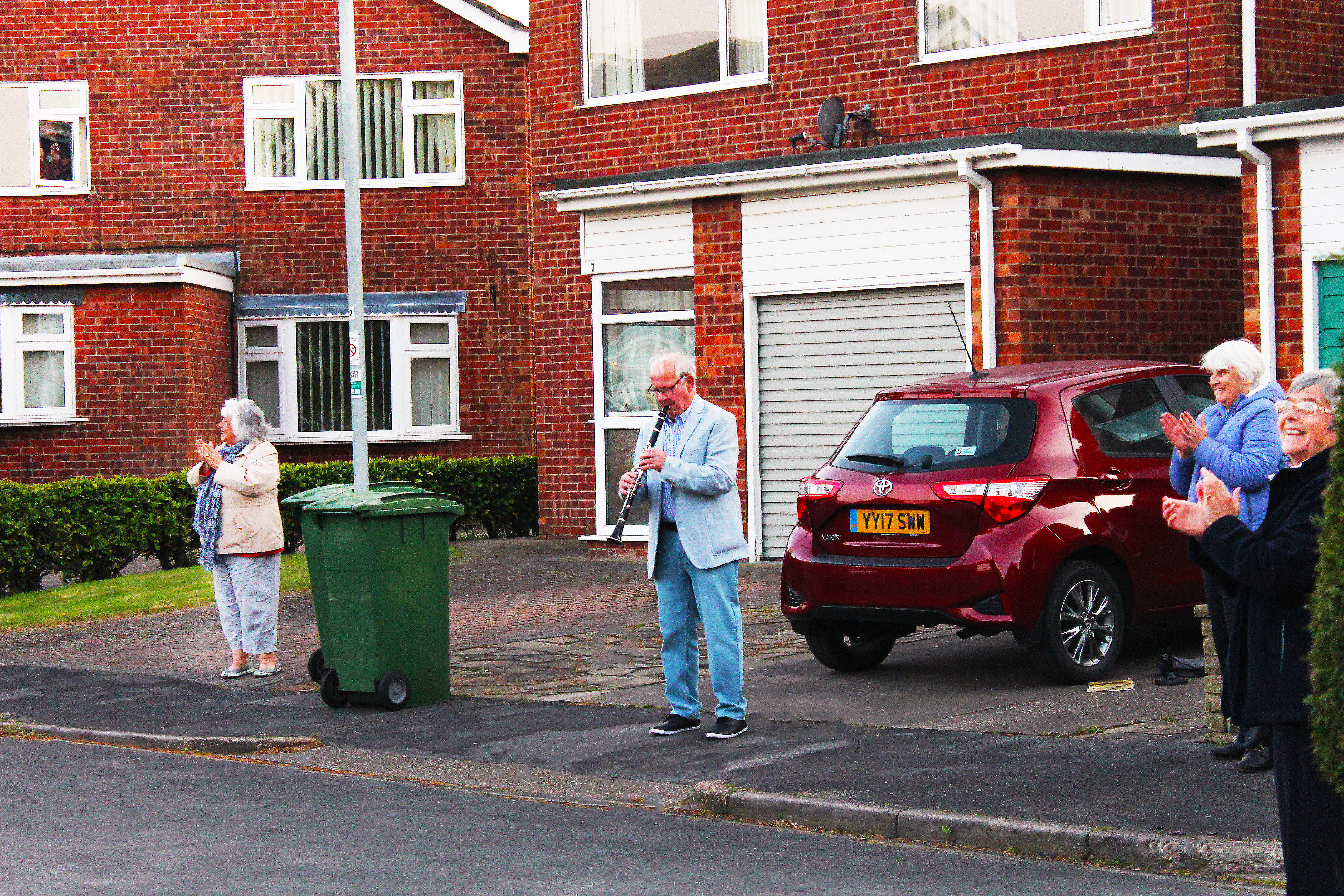
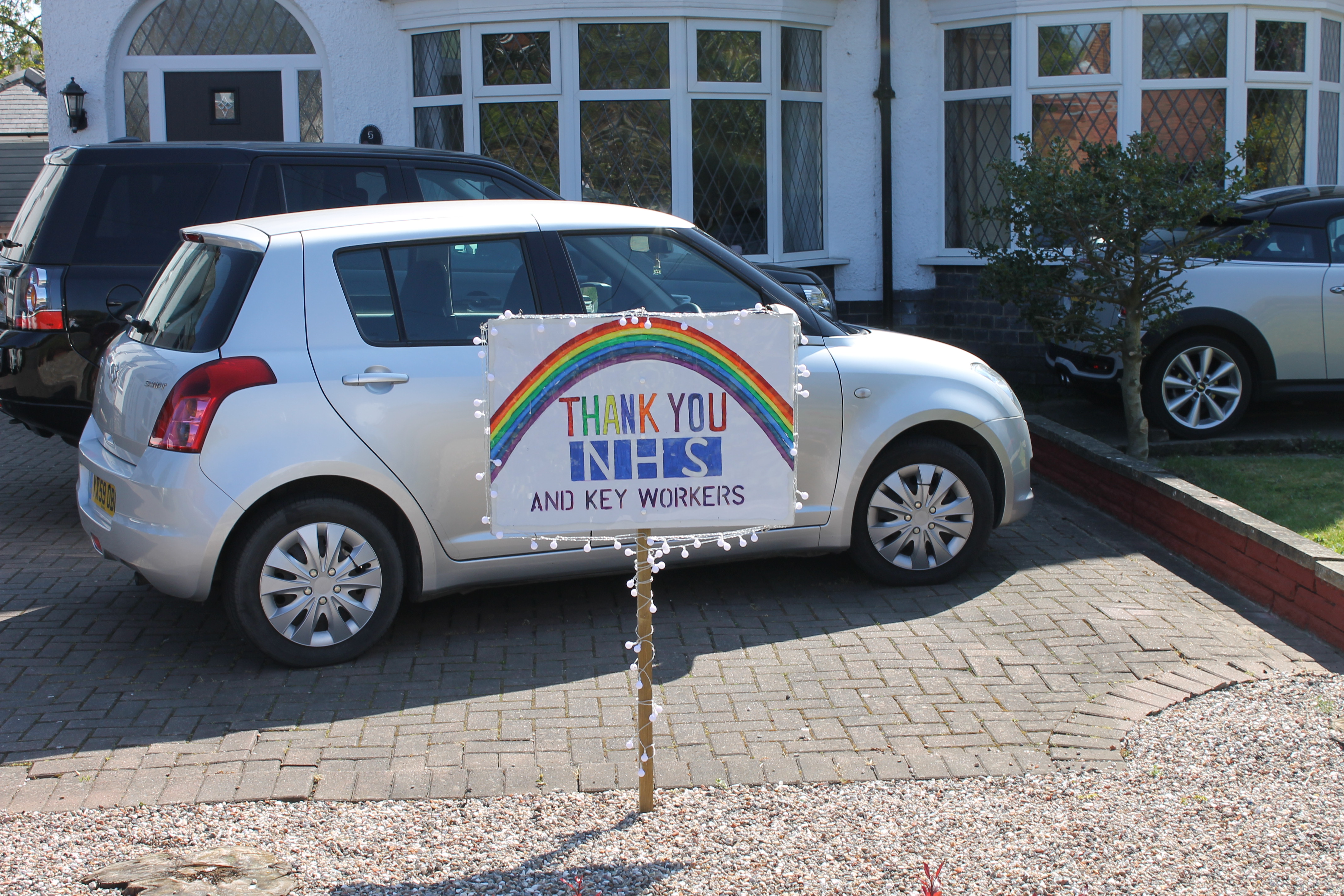
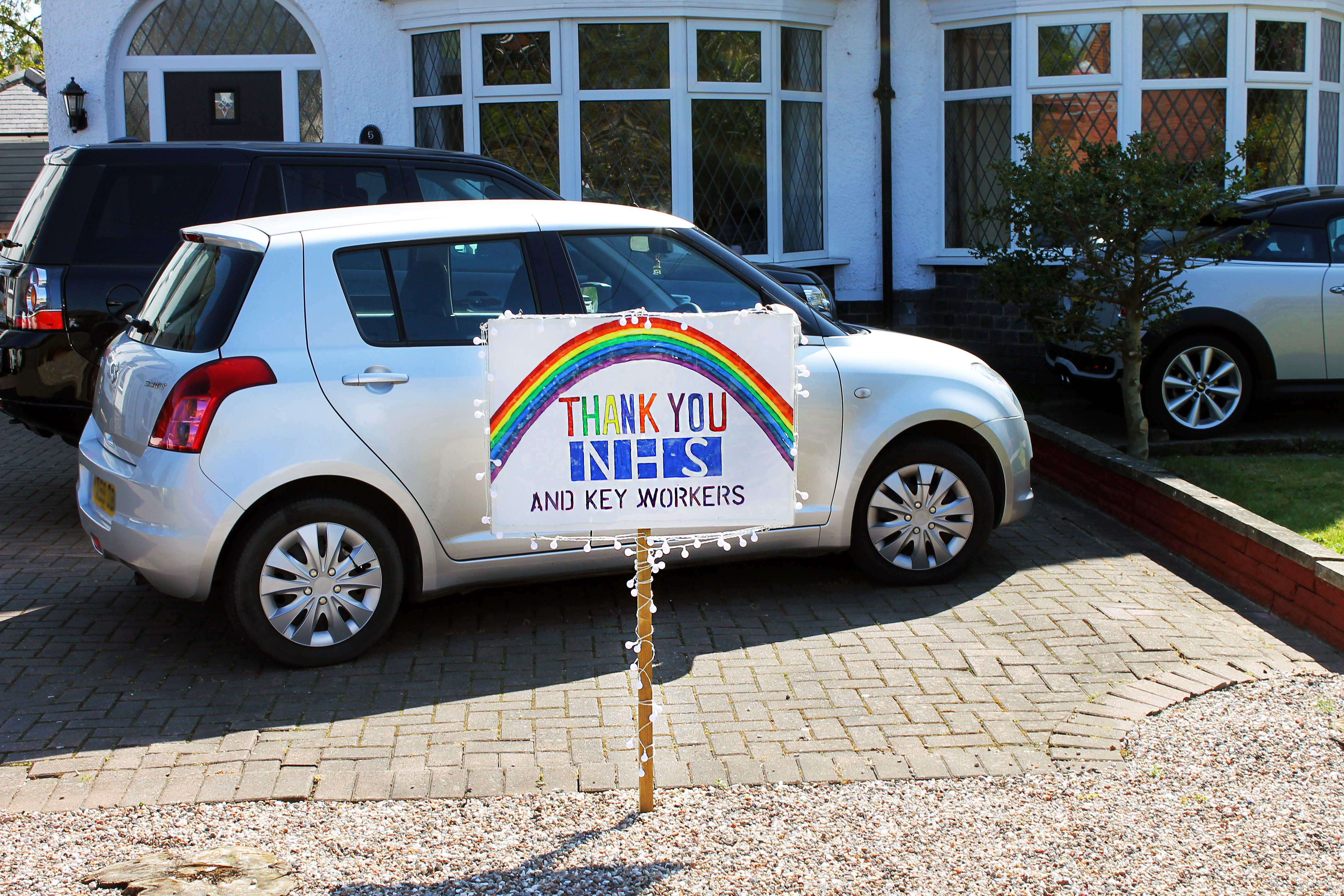
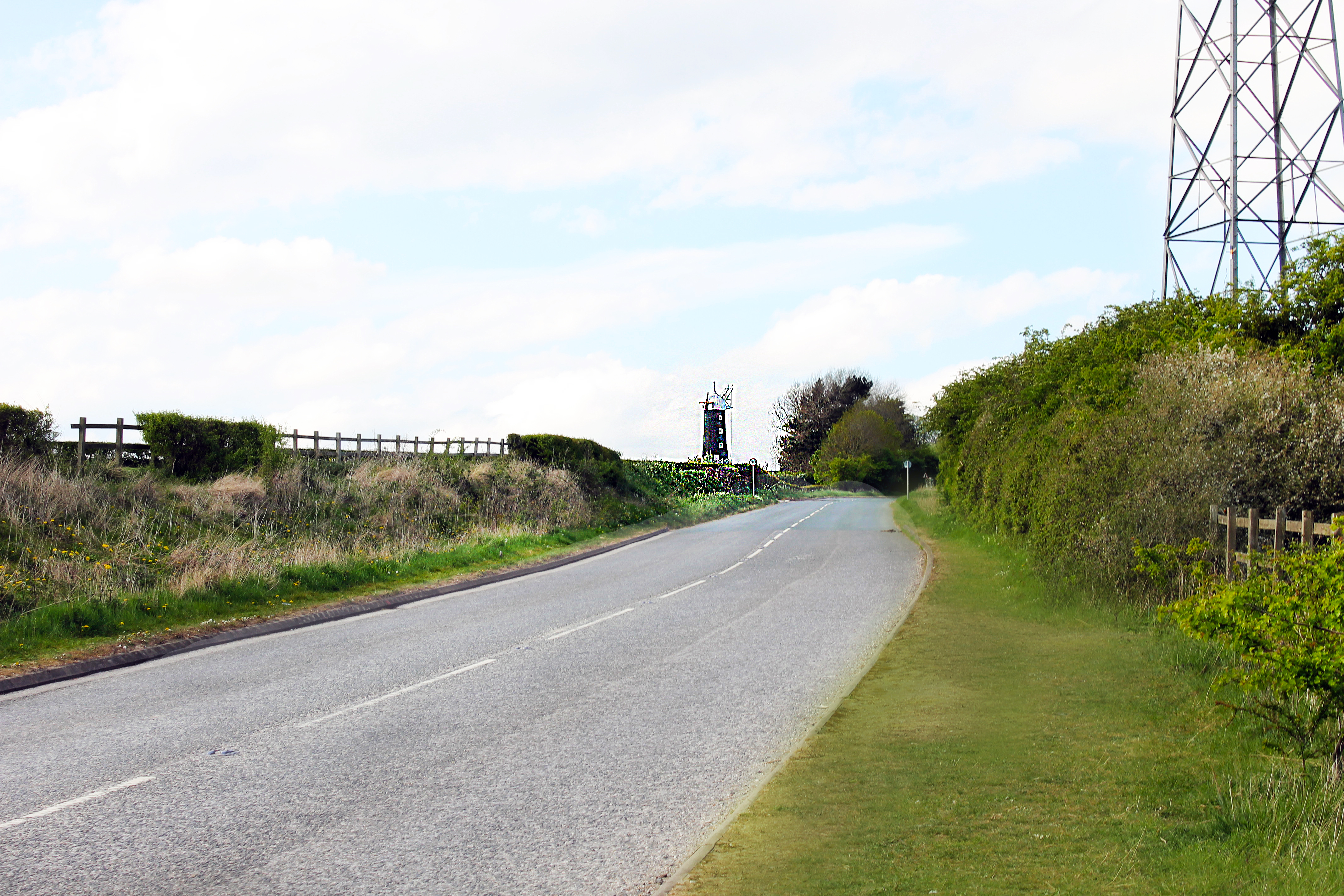
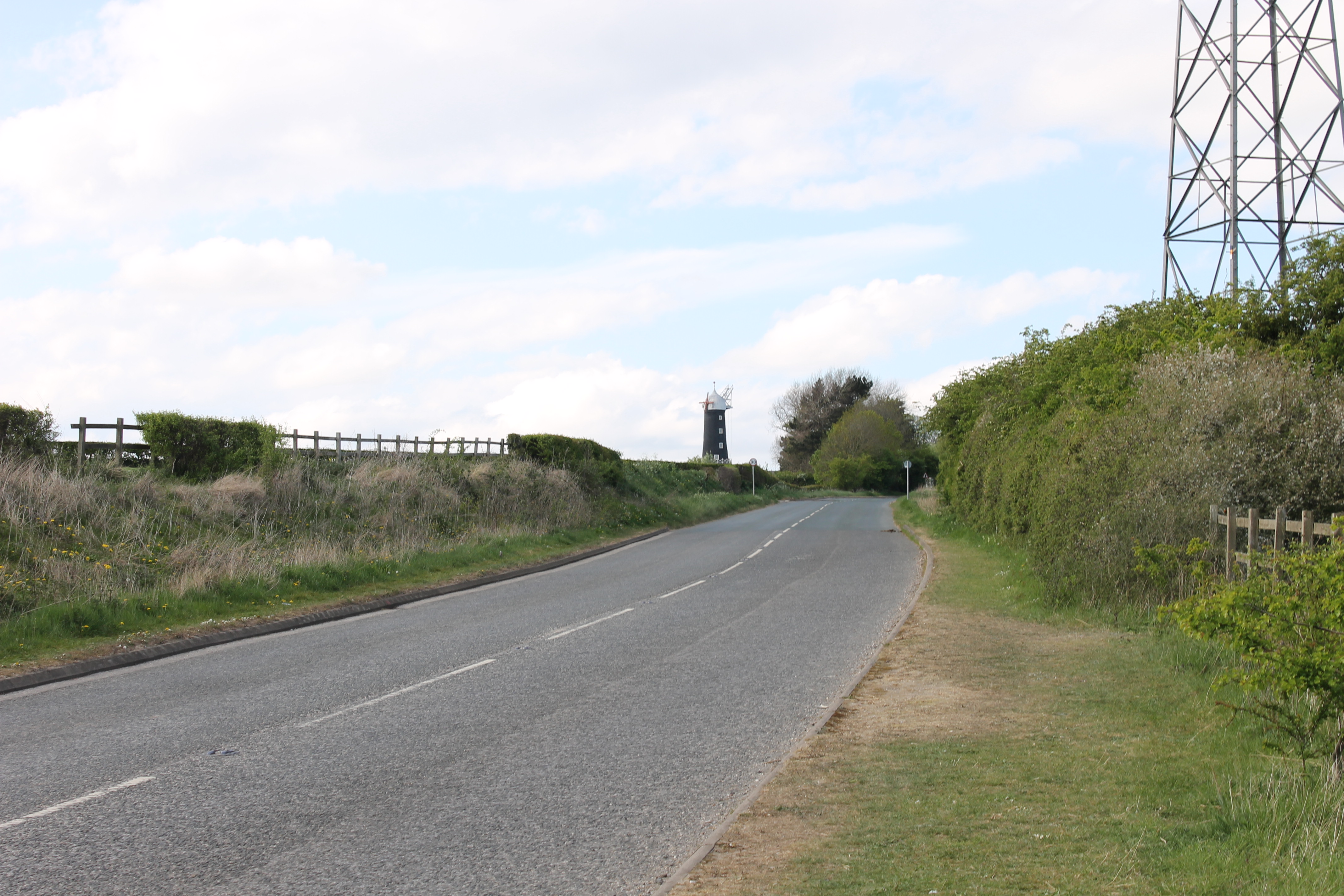
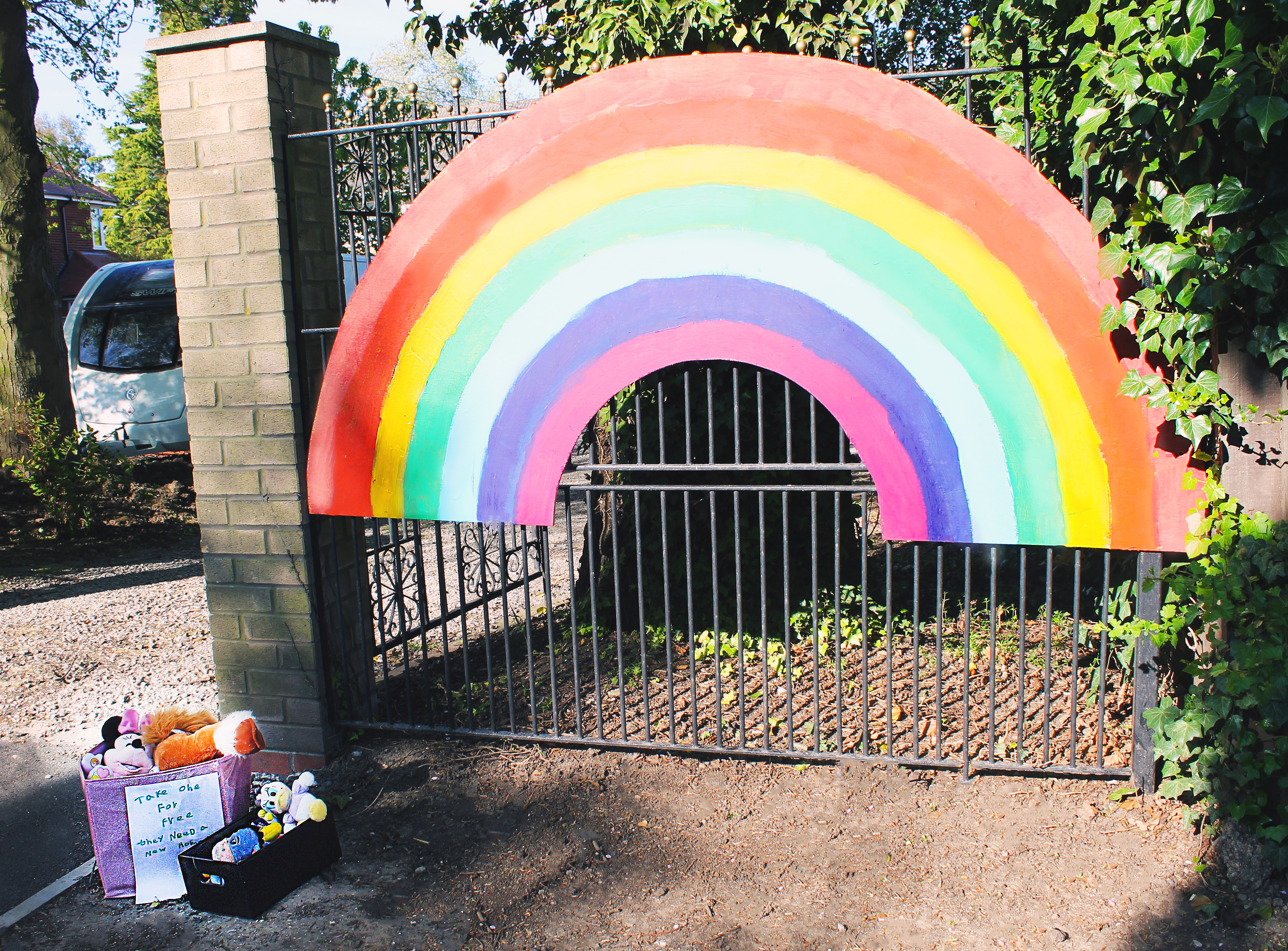
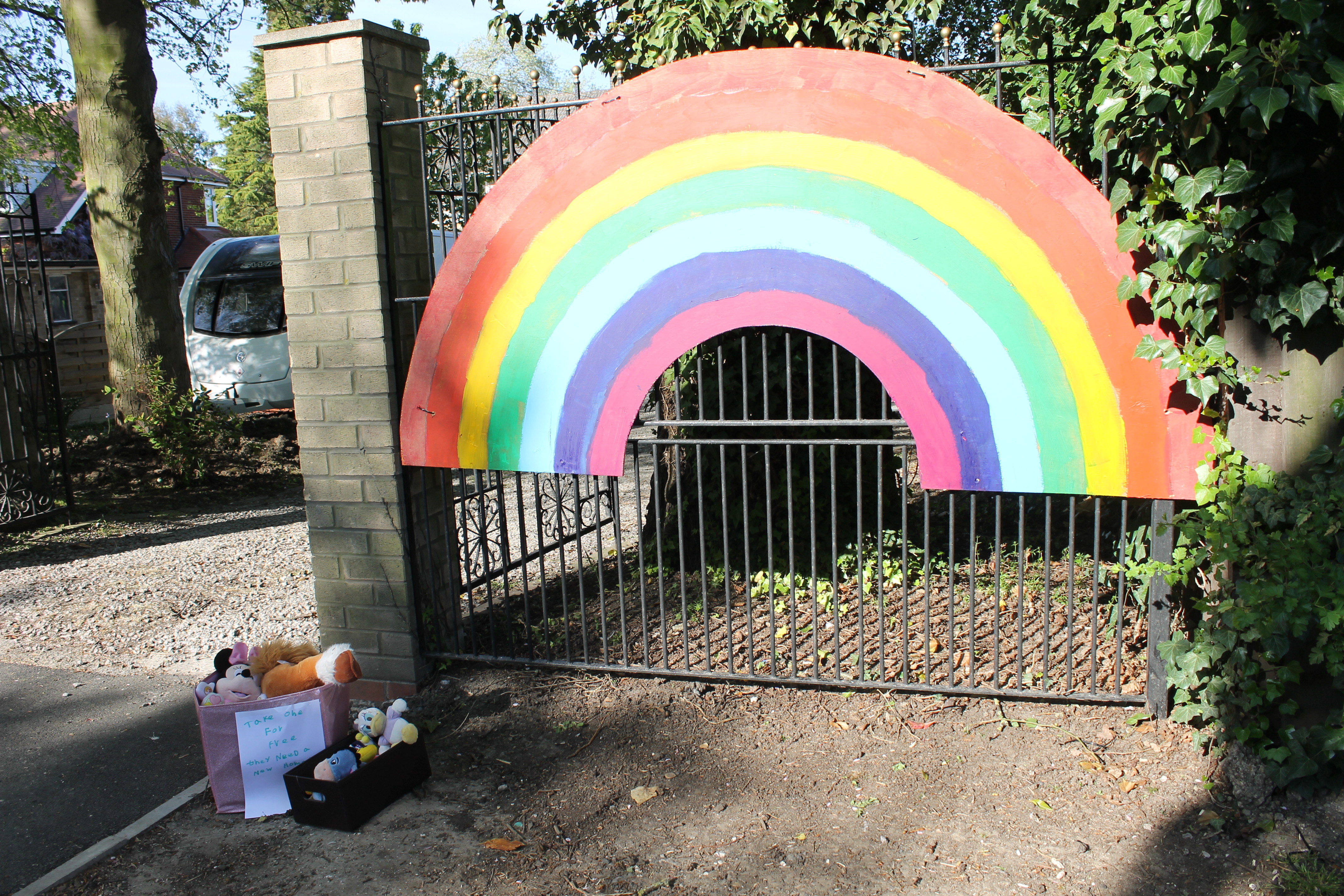
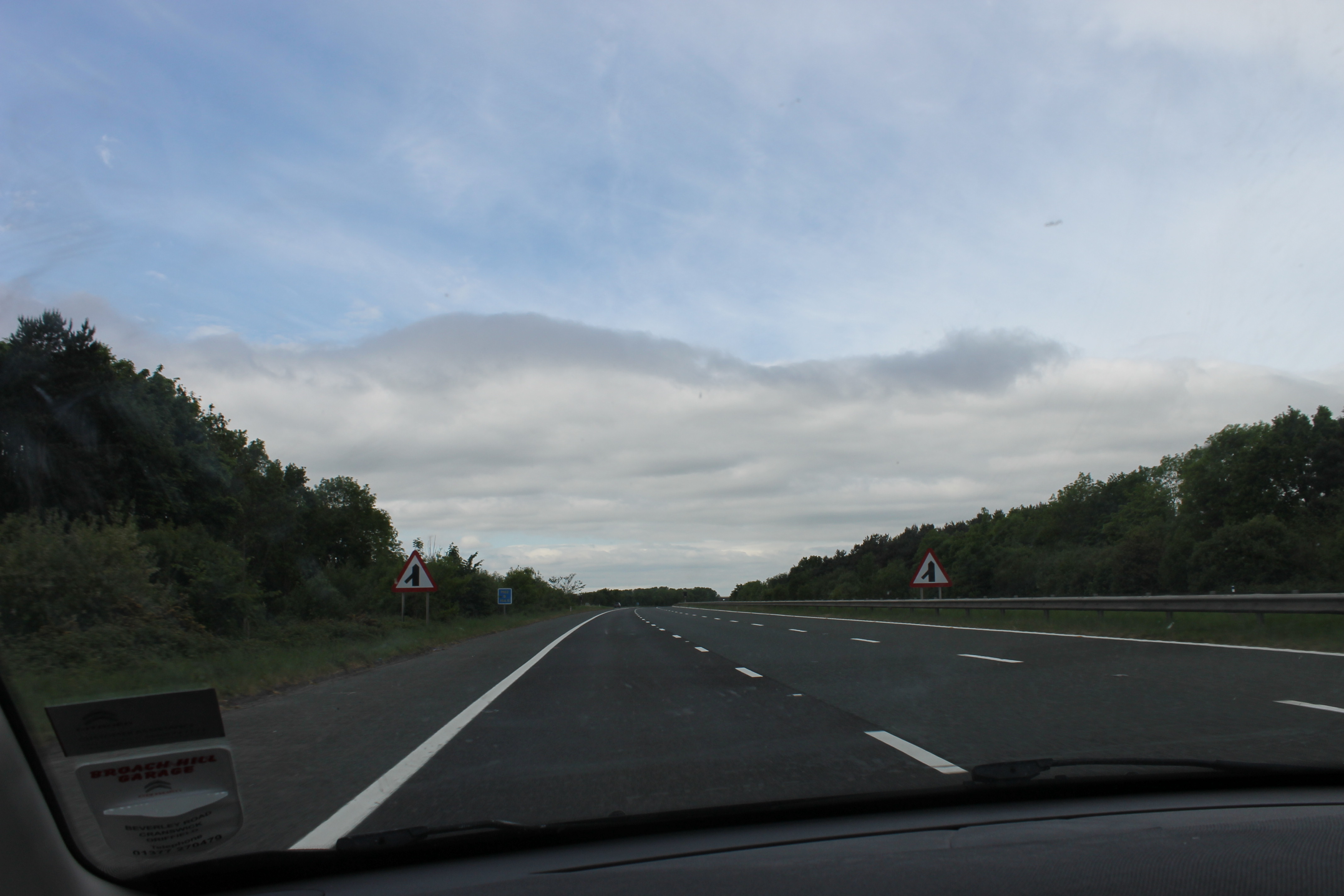
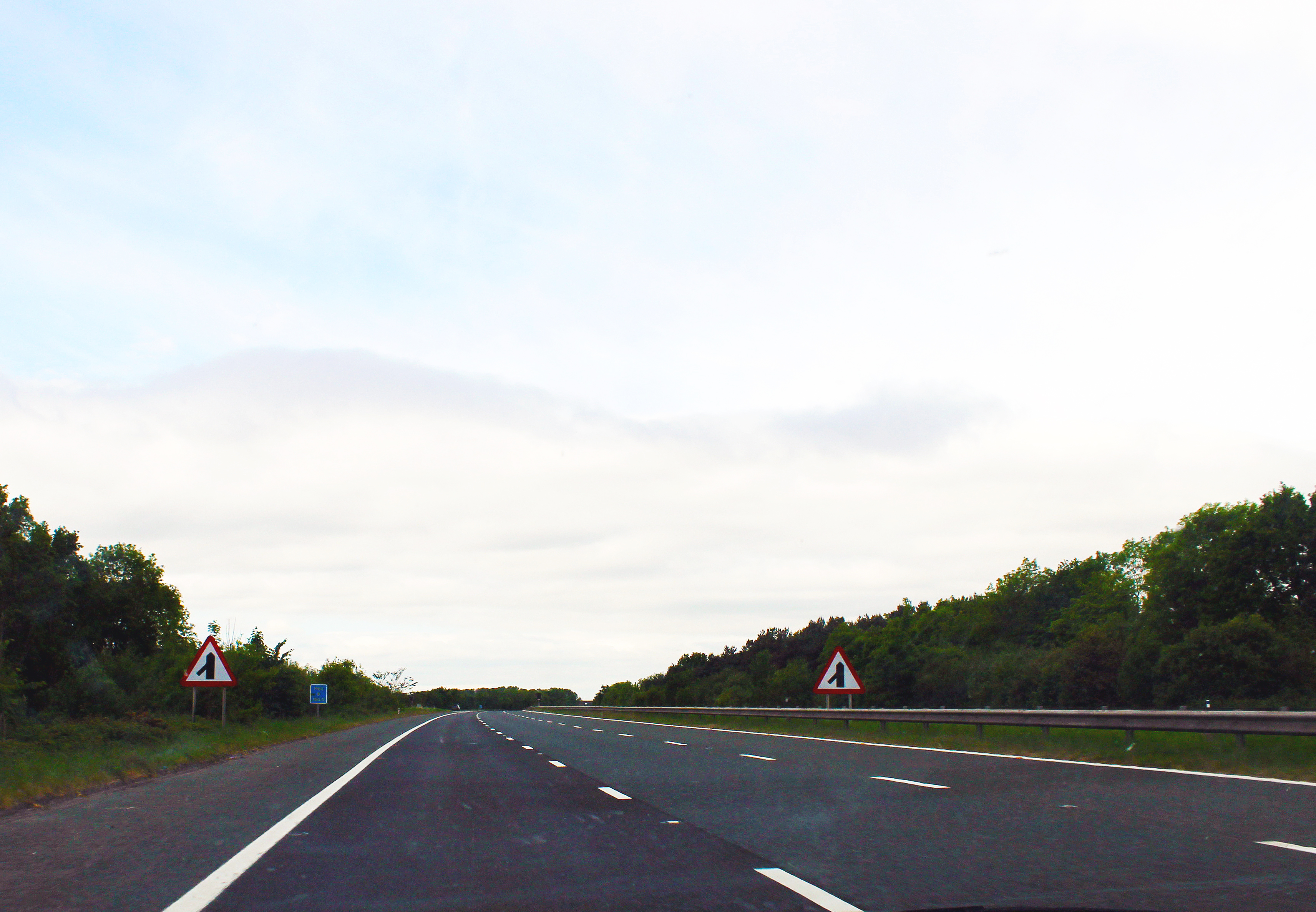
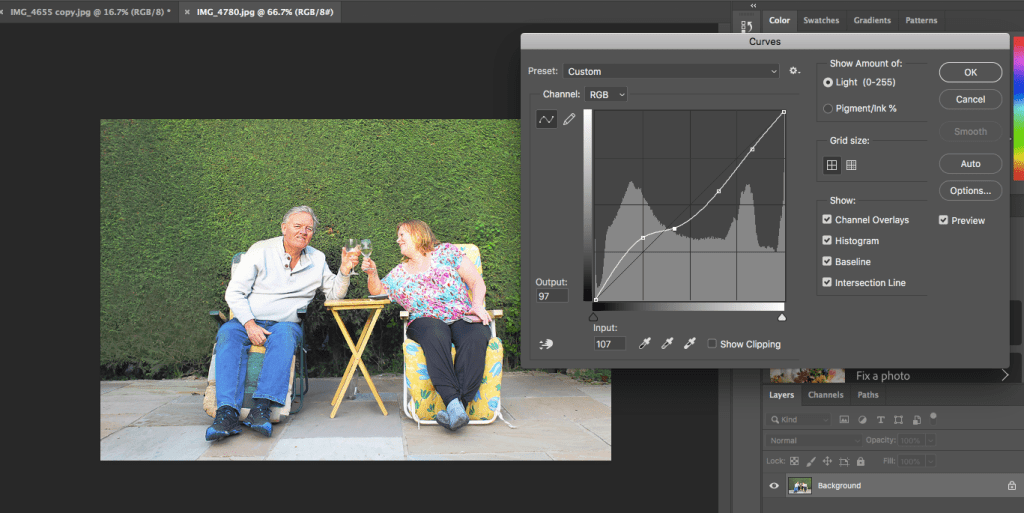
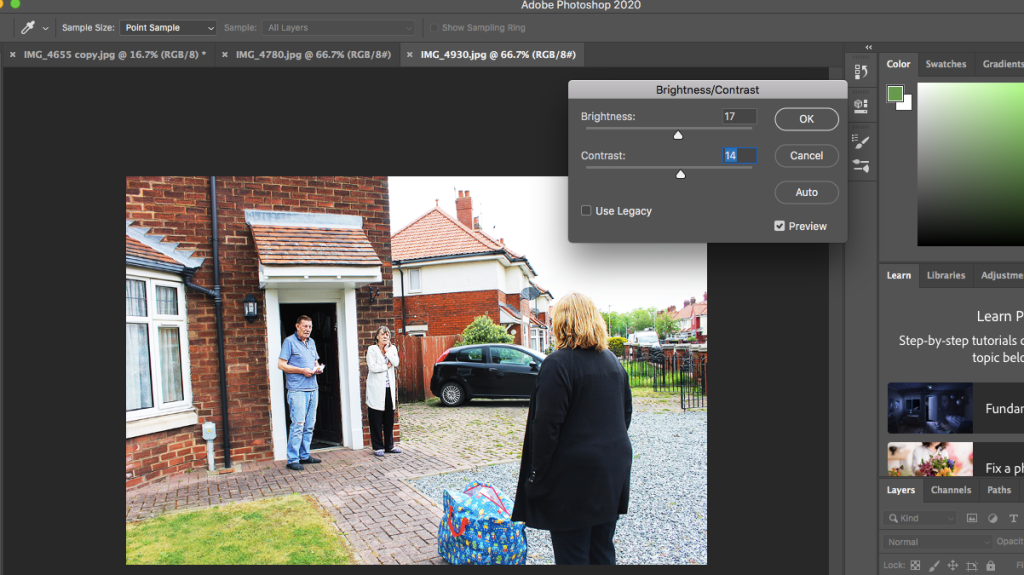
When creating my final project choosing the photos was extremely difficult. After I had narrowed down my top photos to 17 from over 500. I used Adobe Photoshop 2020 to edit each photo to how I wanted them to look and the feeling I wanted to evoke. Here you can see parts of the editing process for some photos as well as the before and afters of the photos.
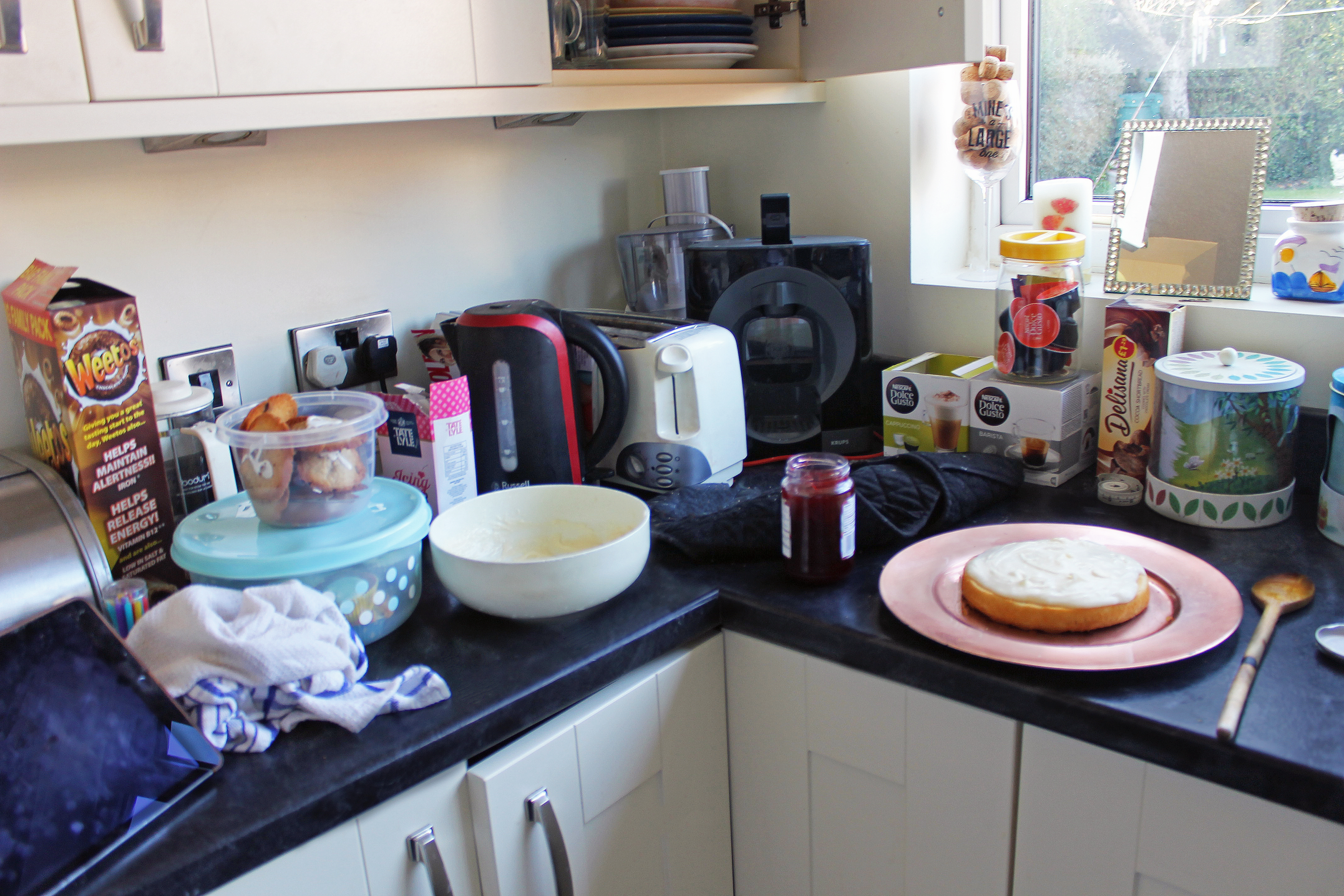
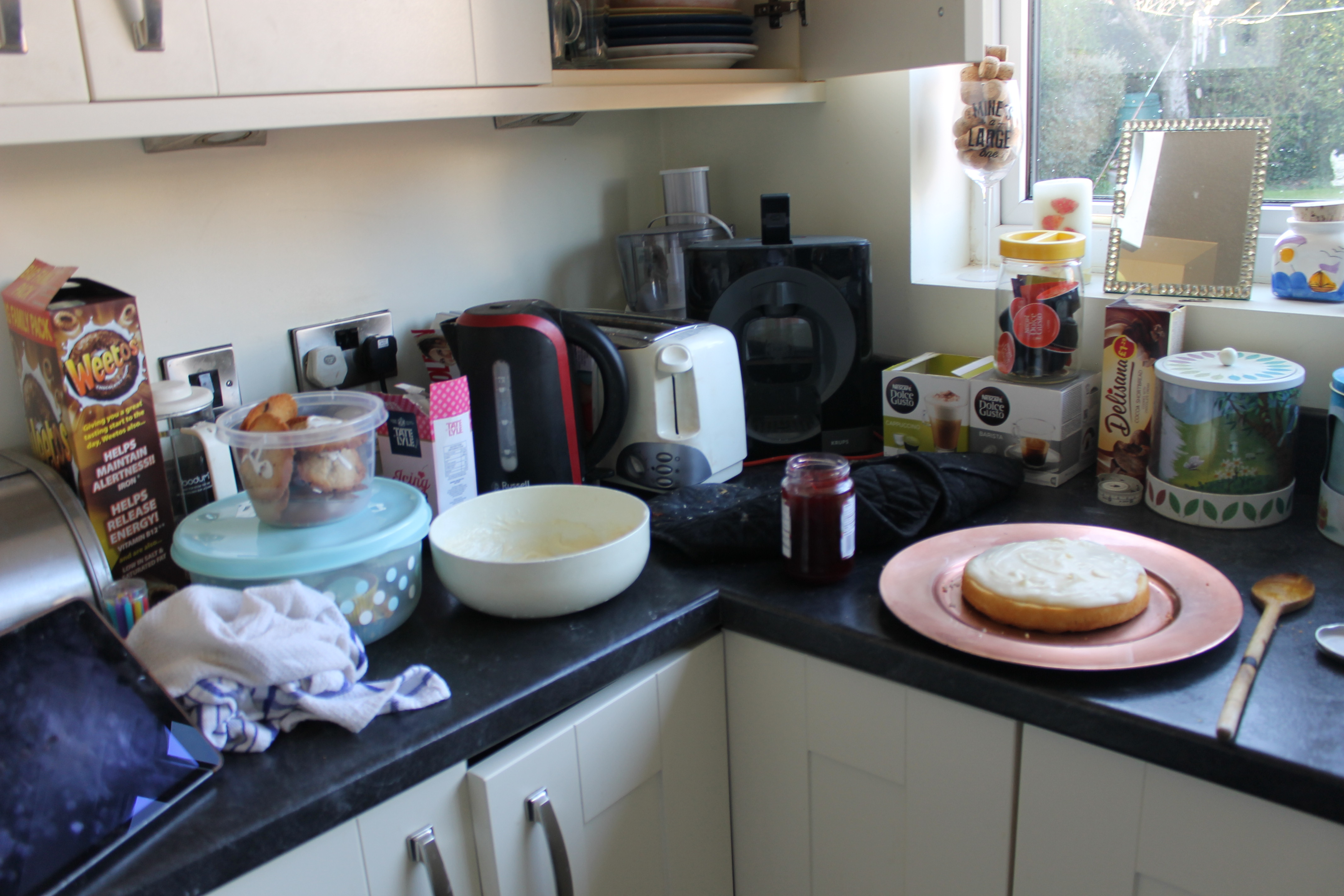
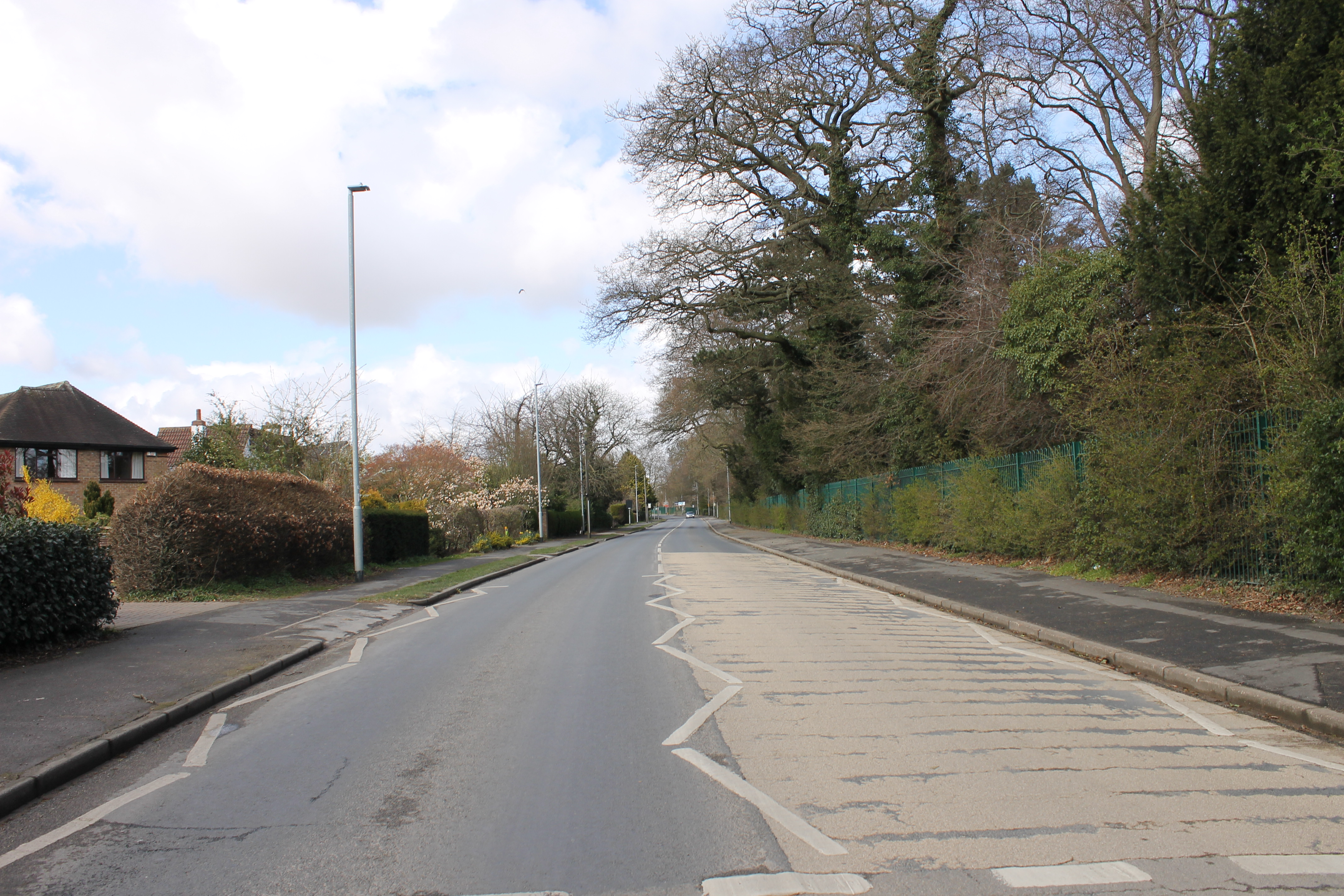
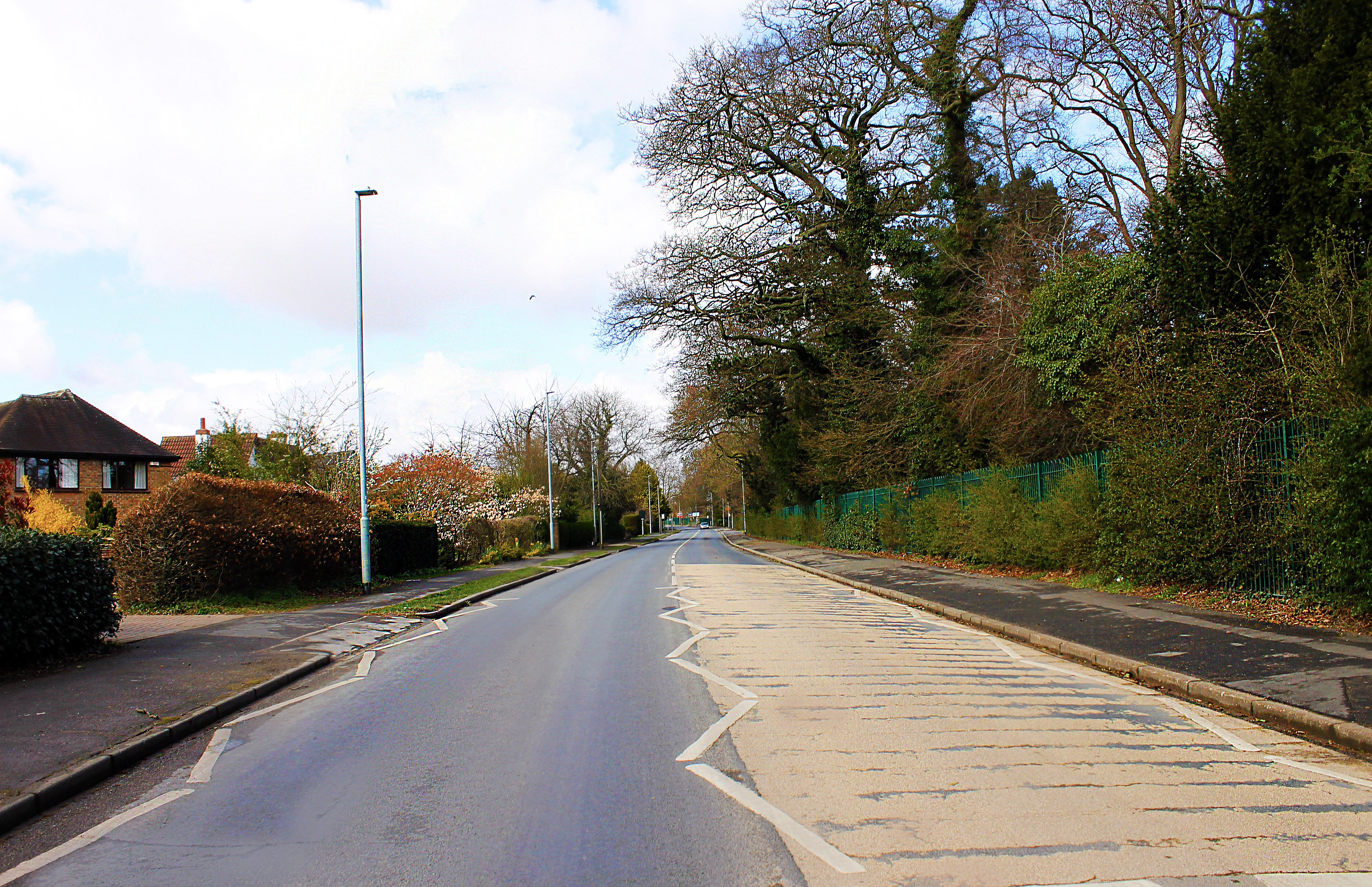
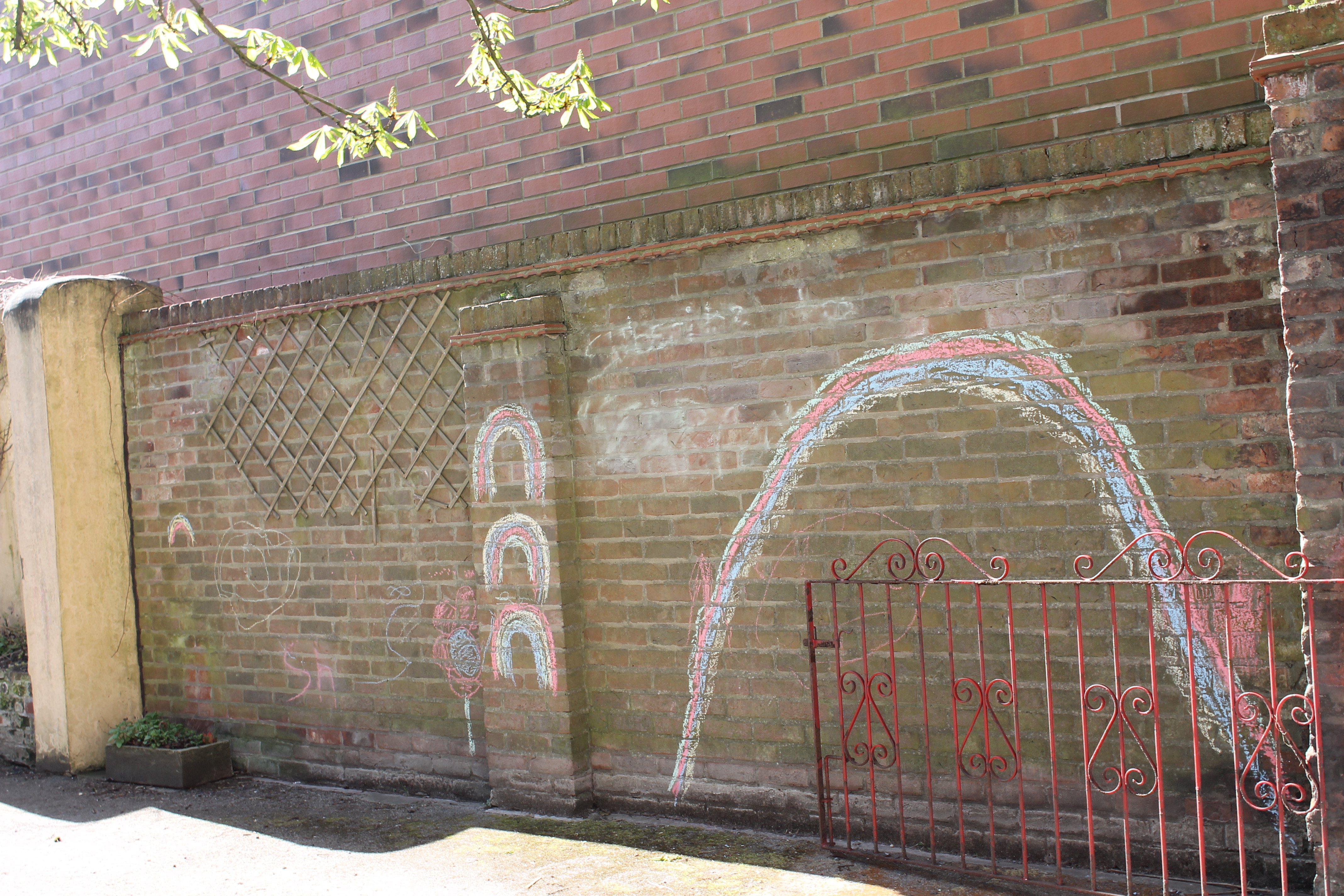
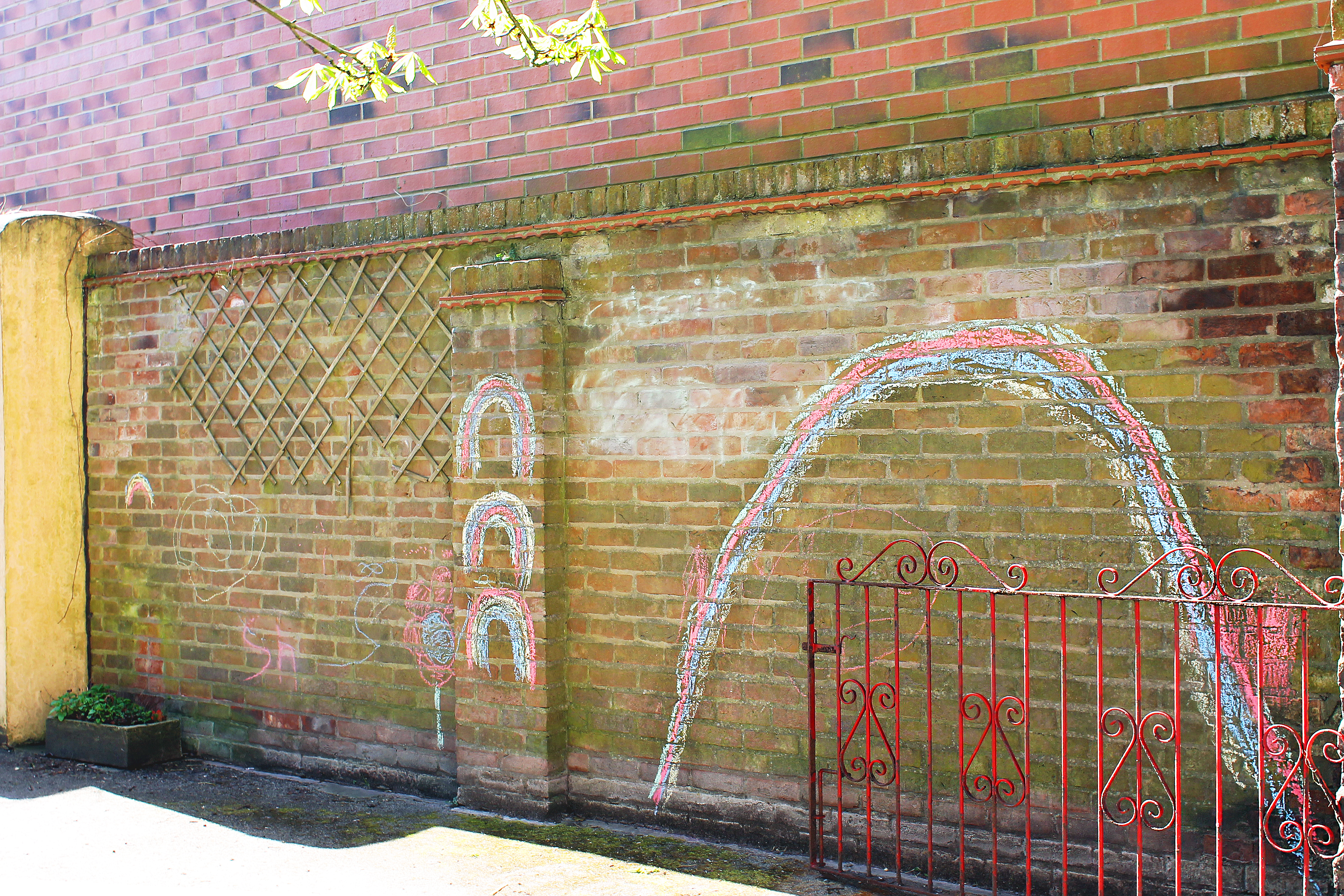
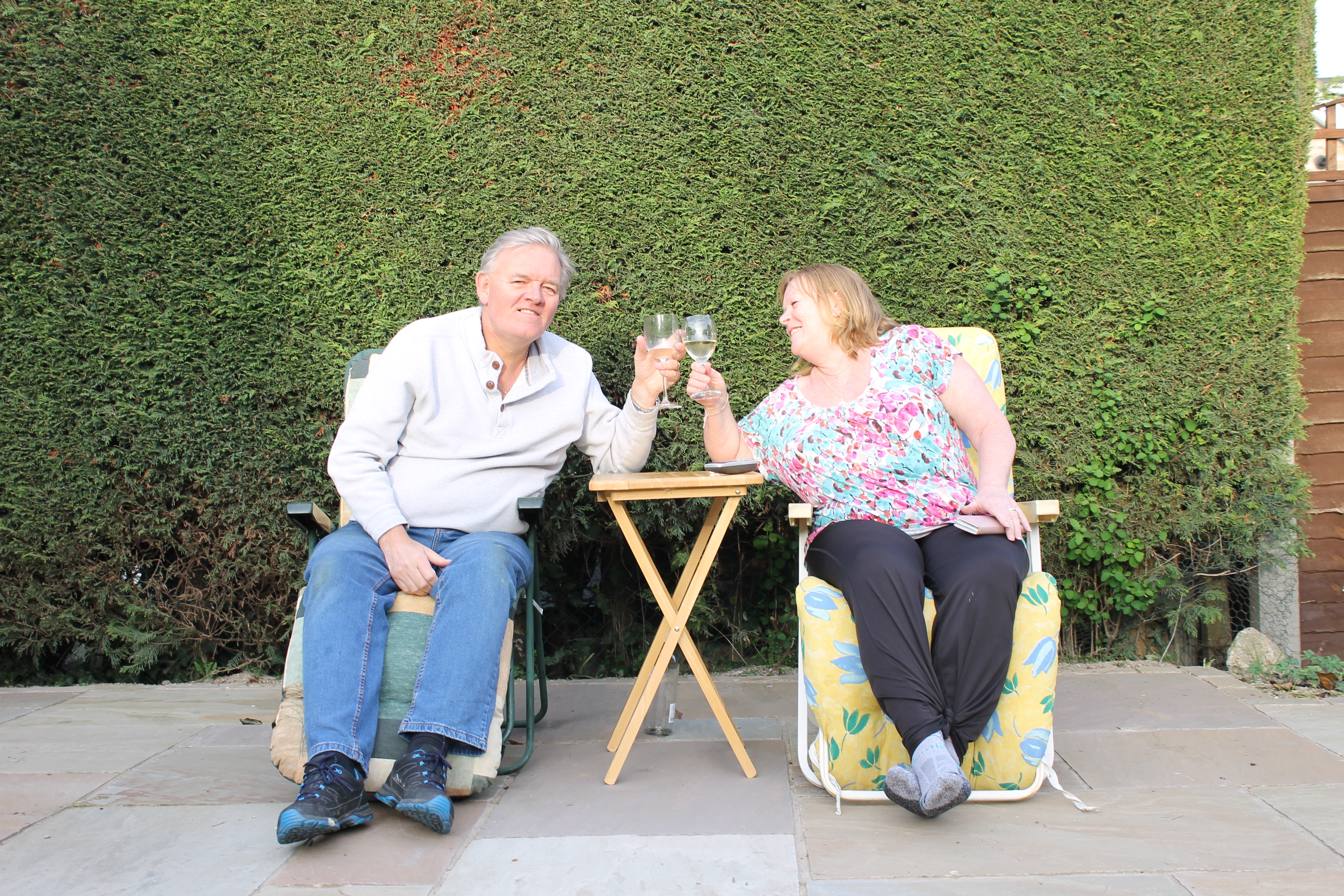
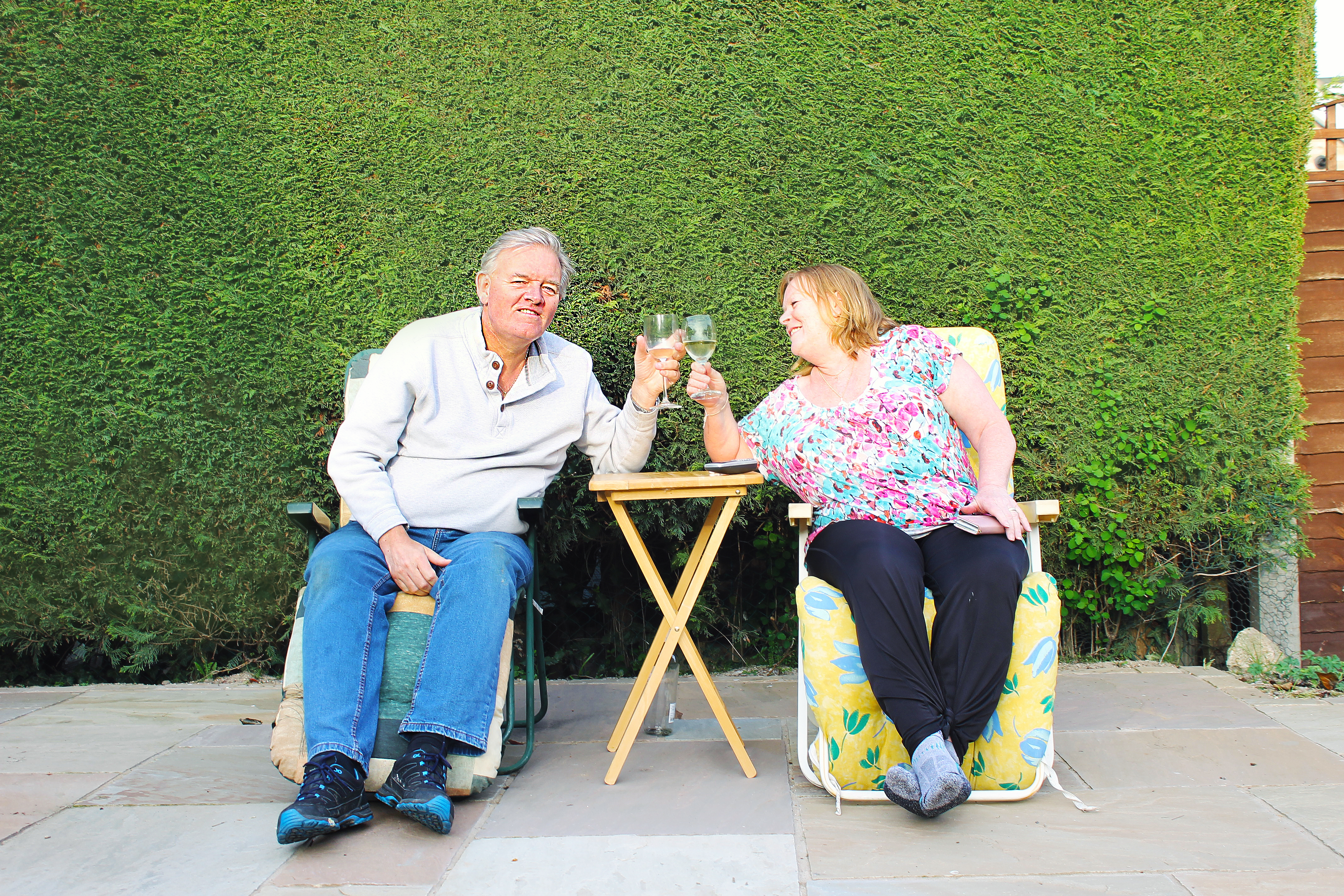
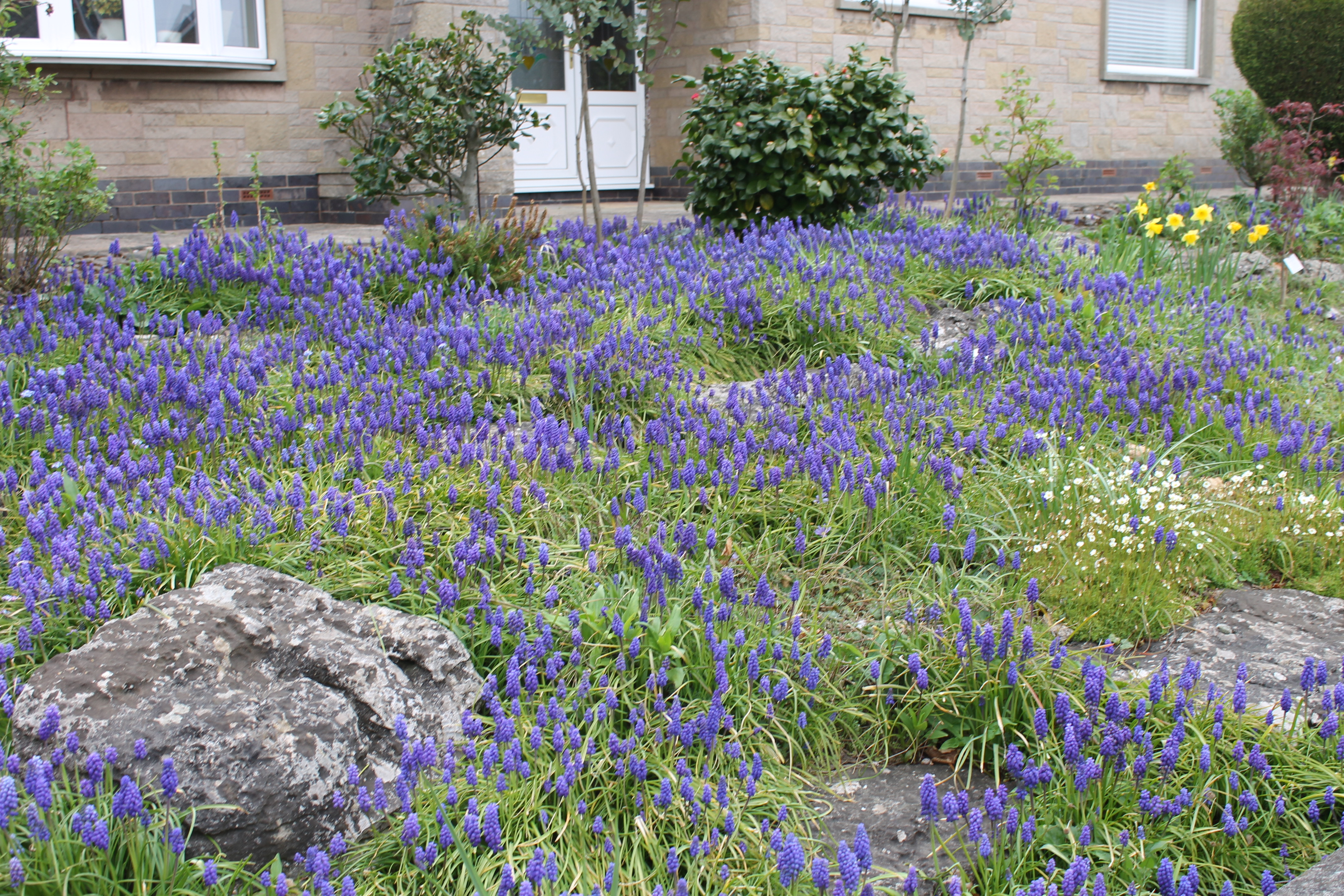
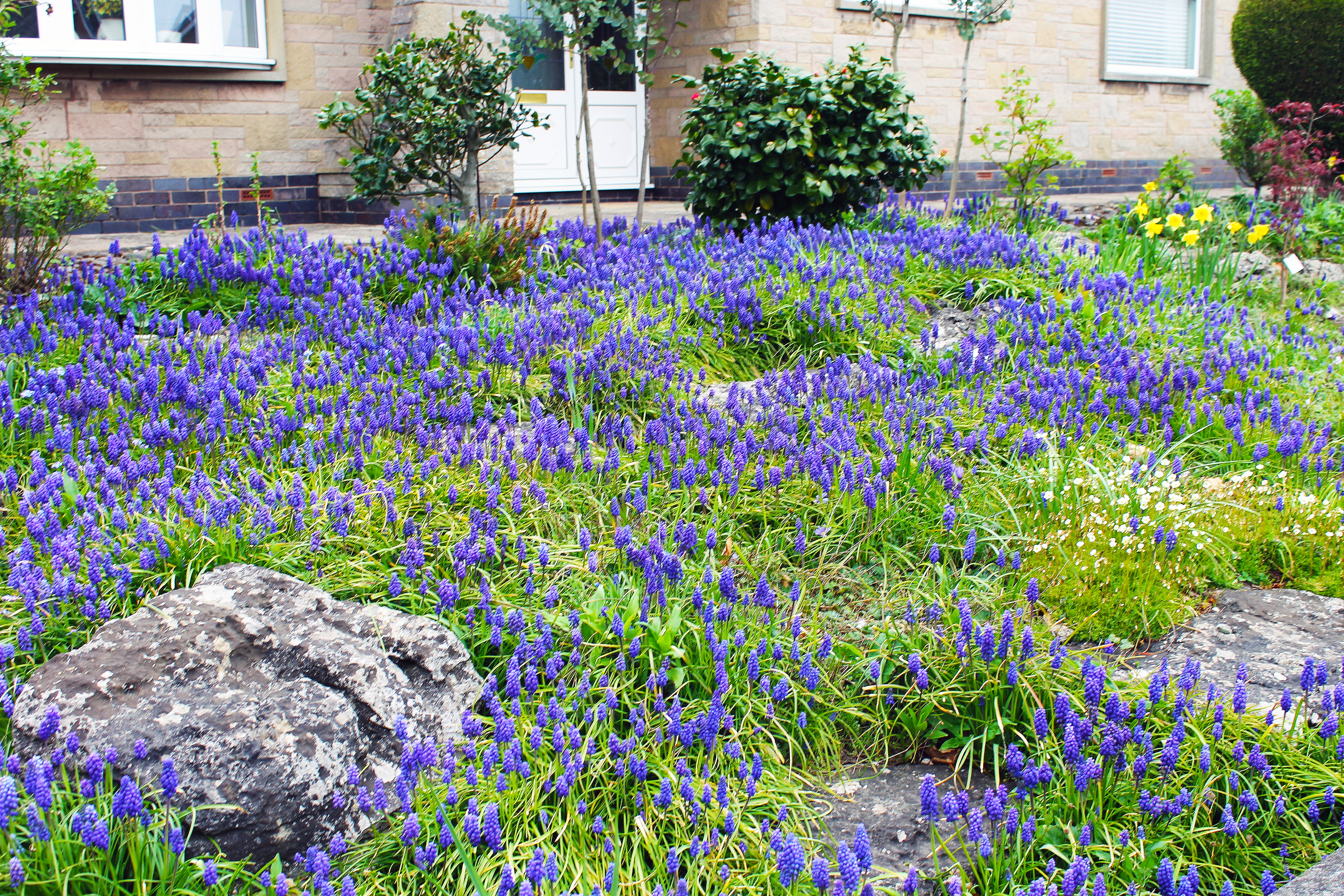
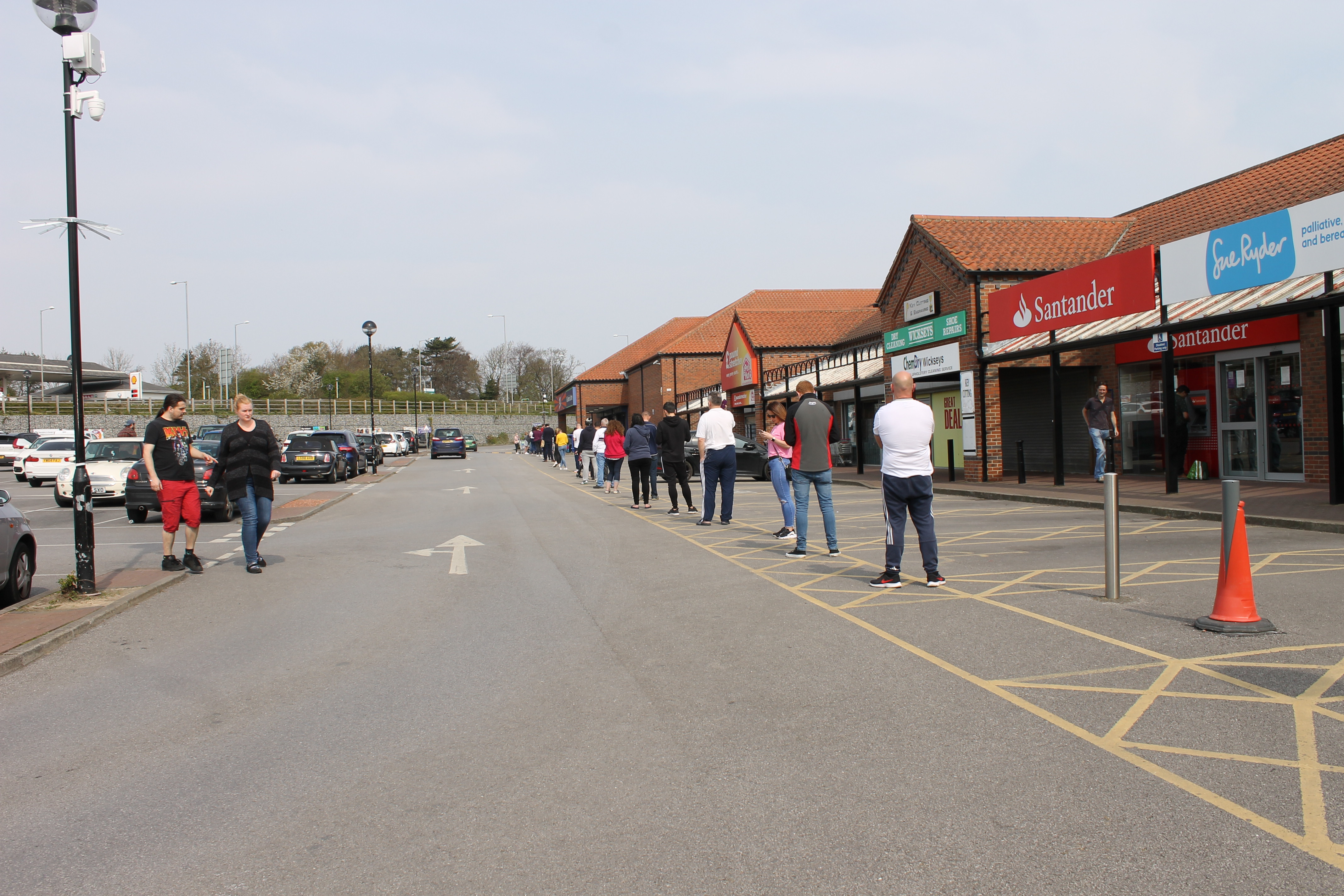
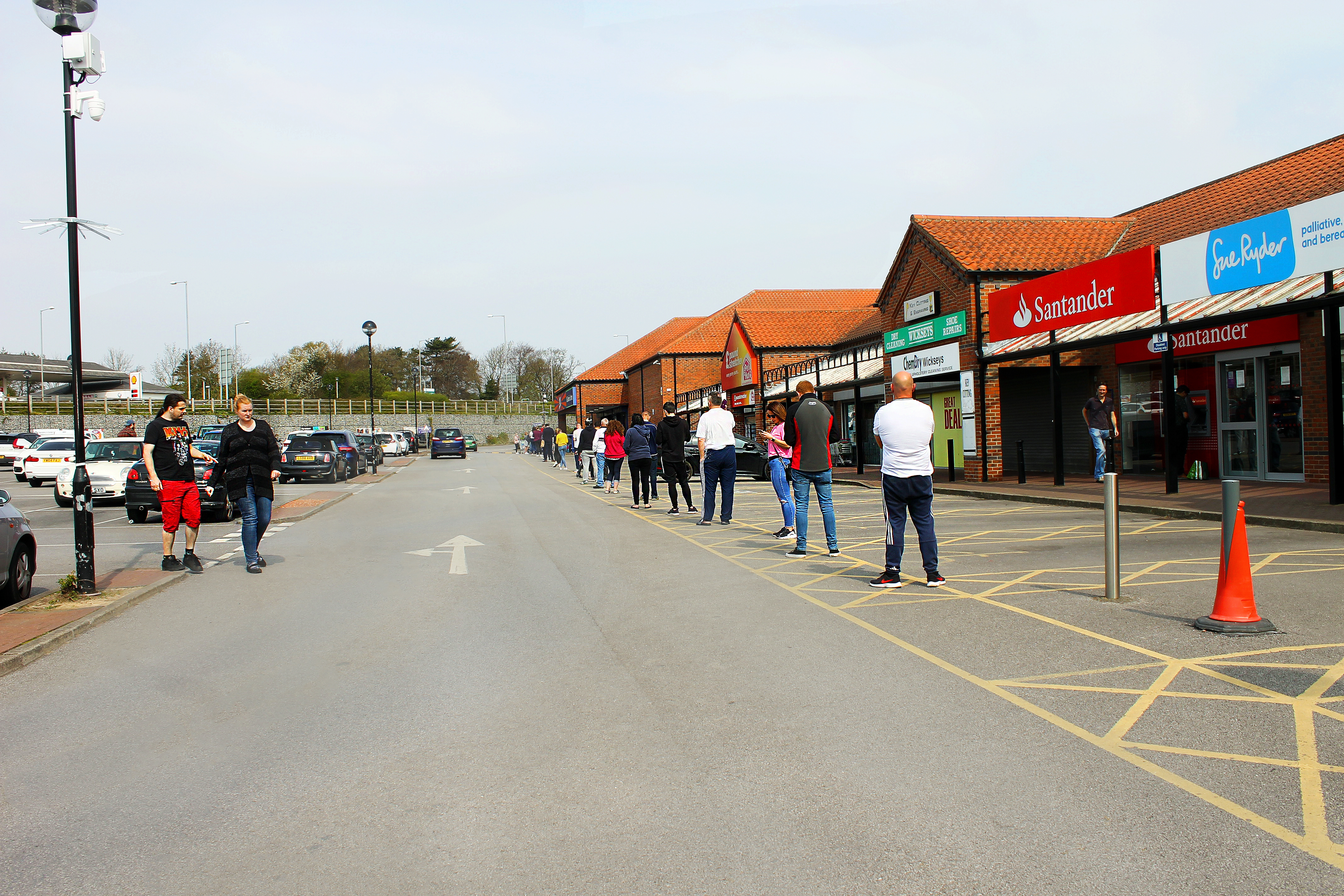
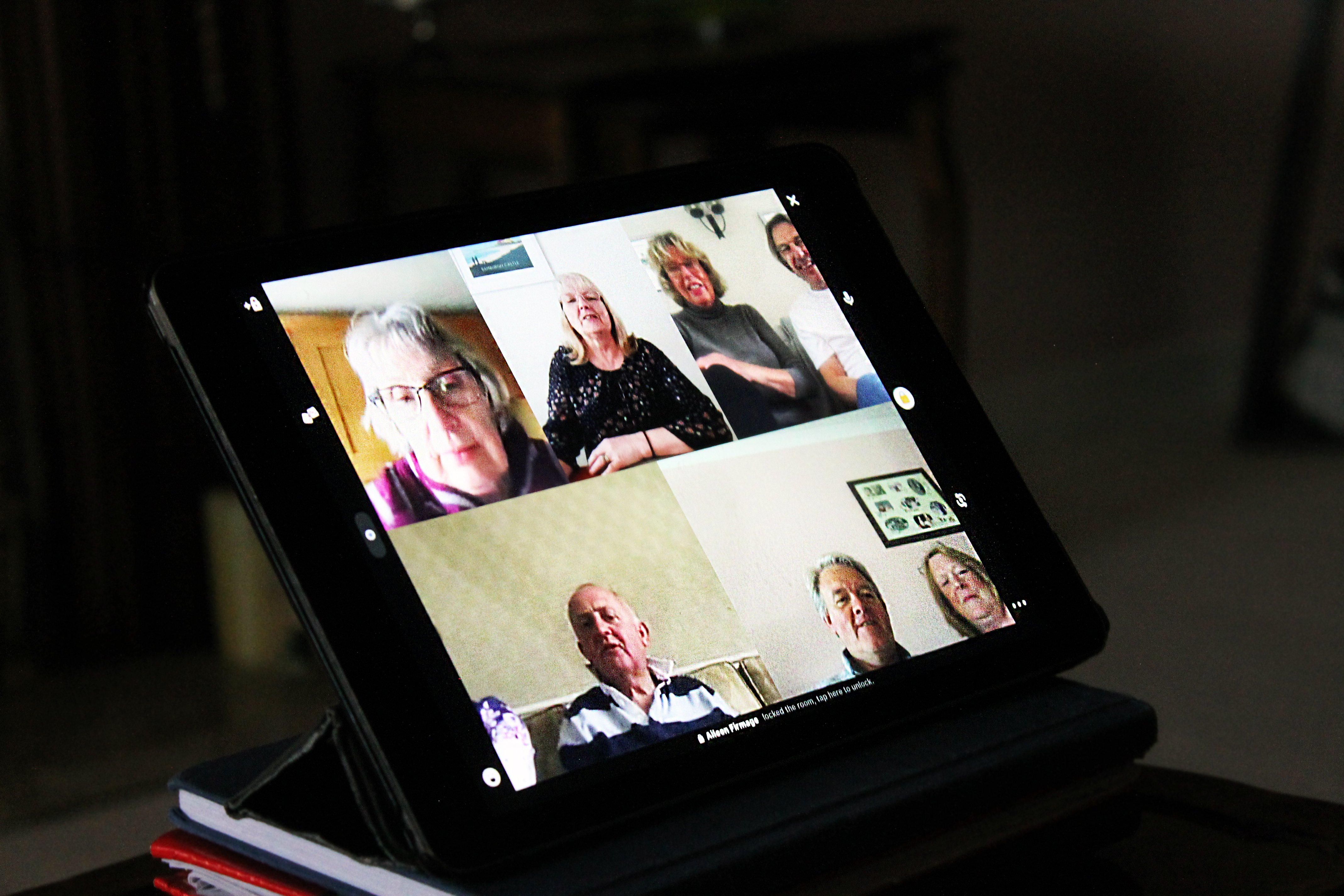
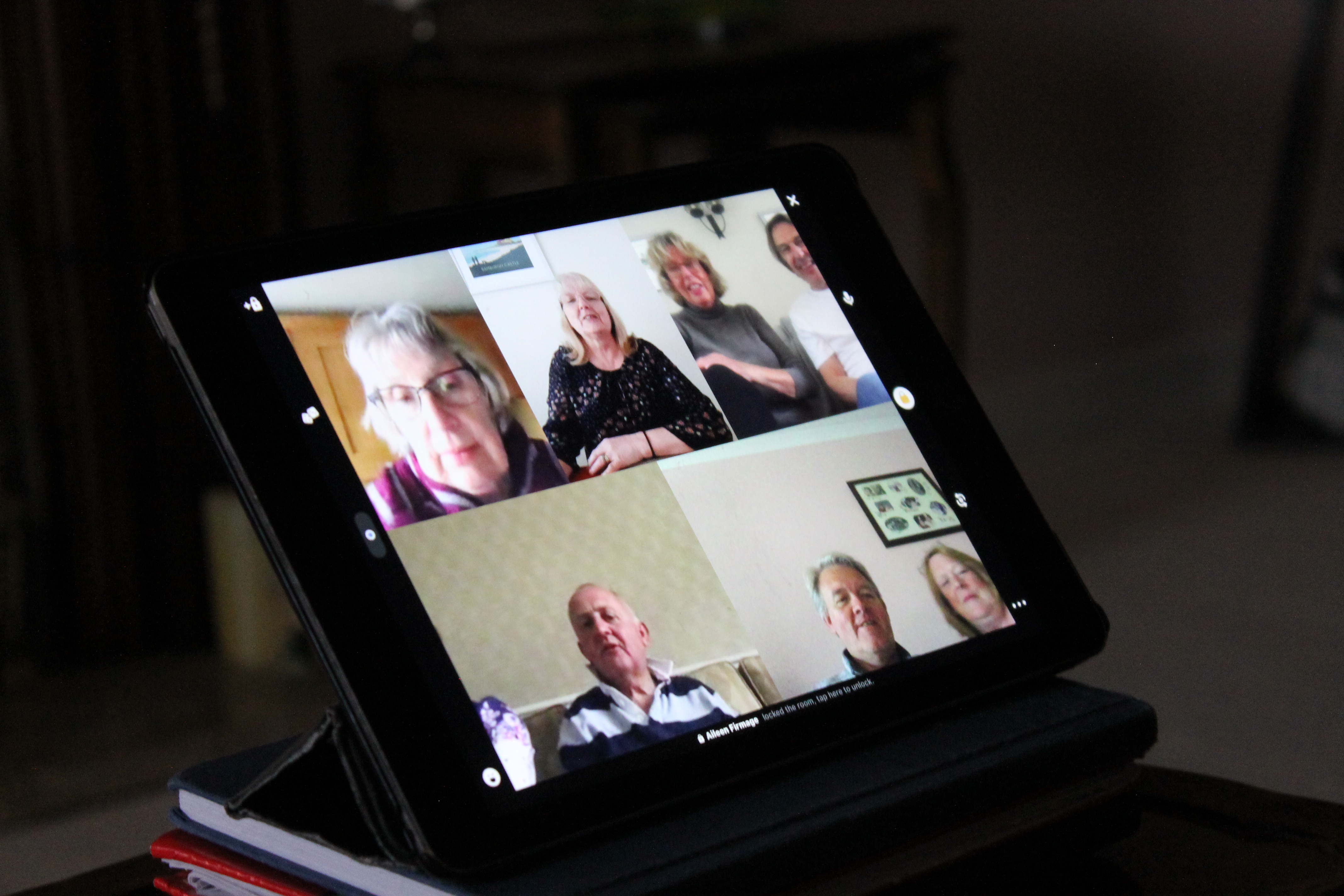
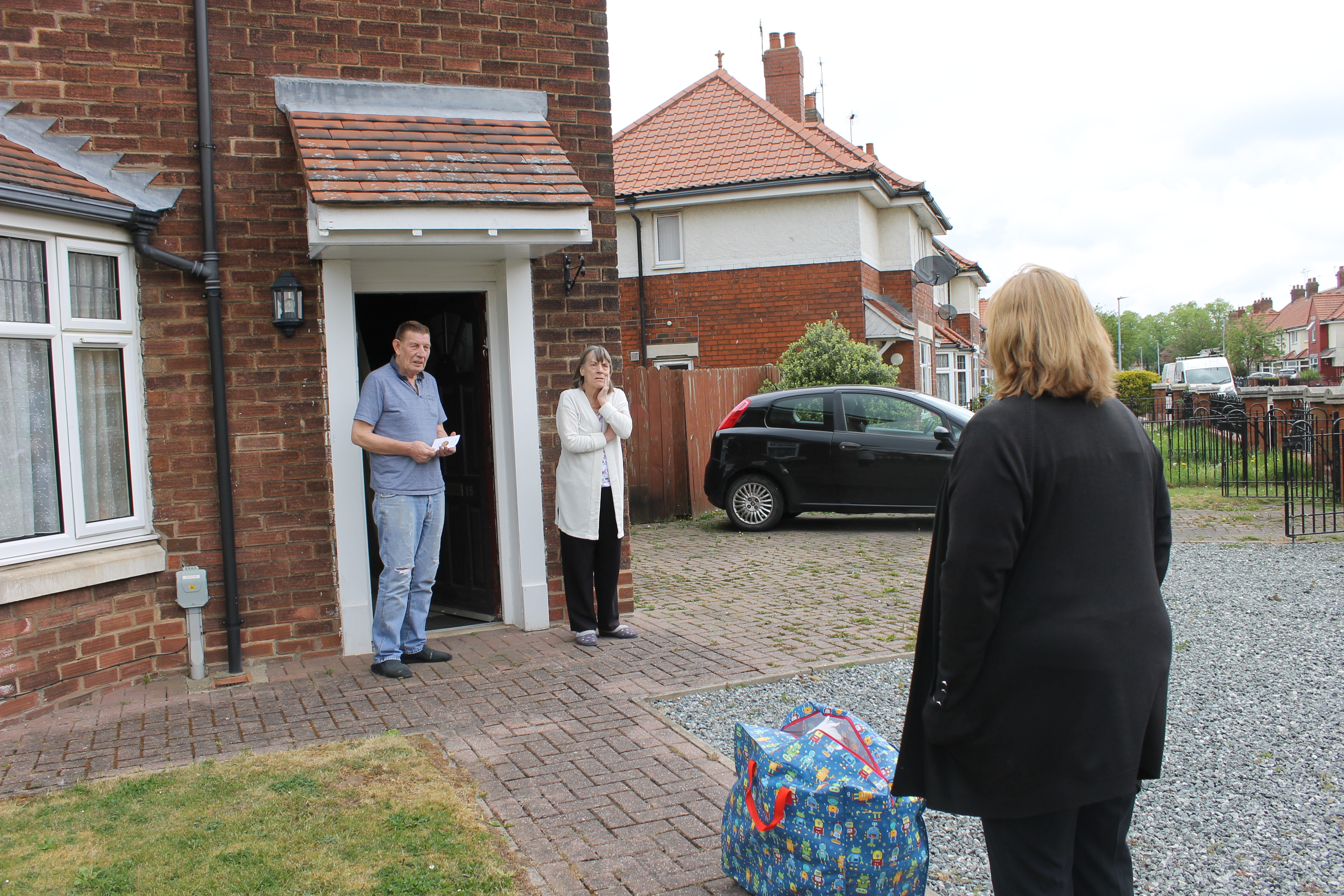
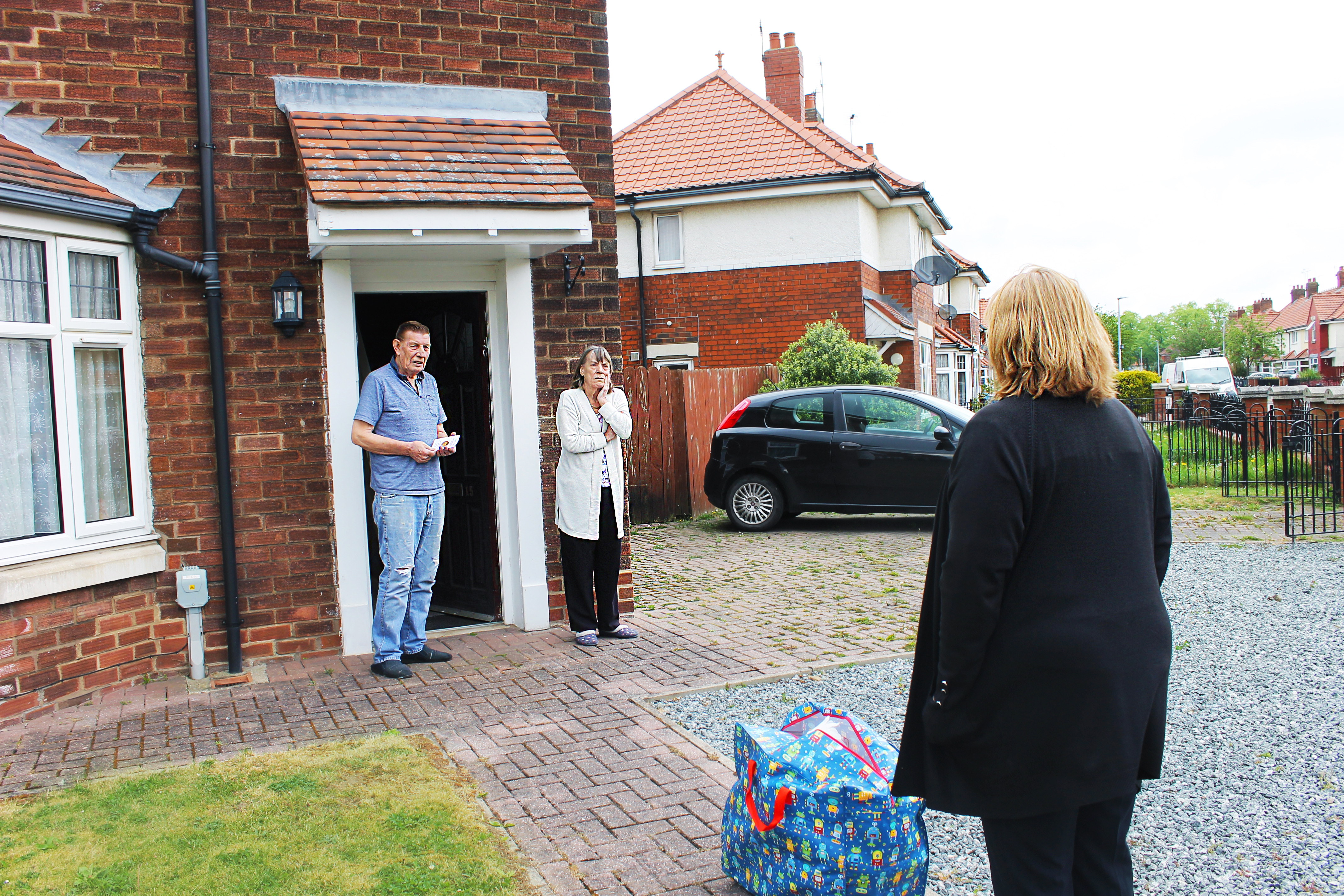
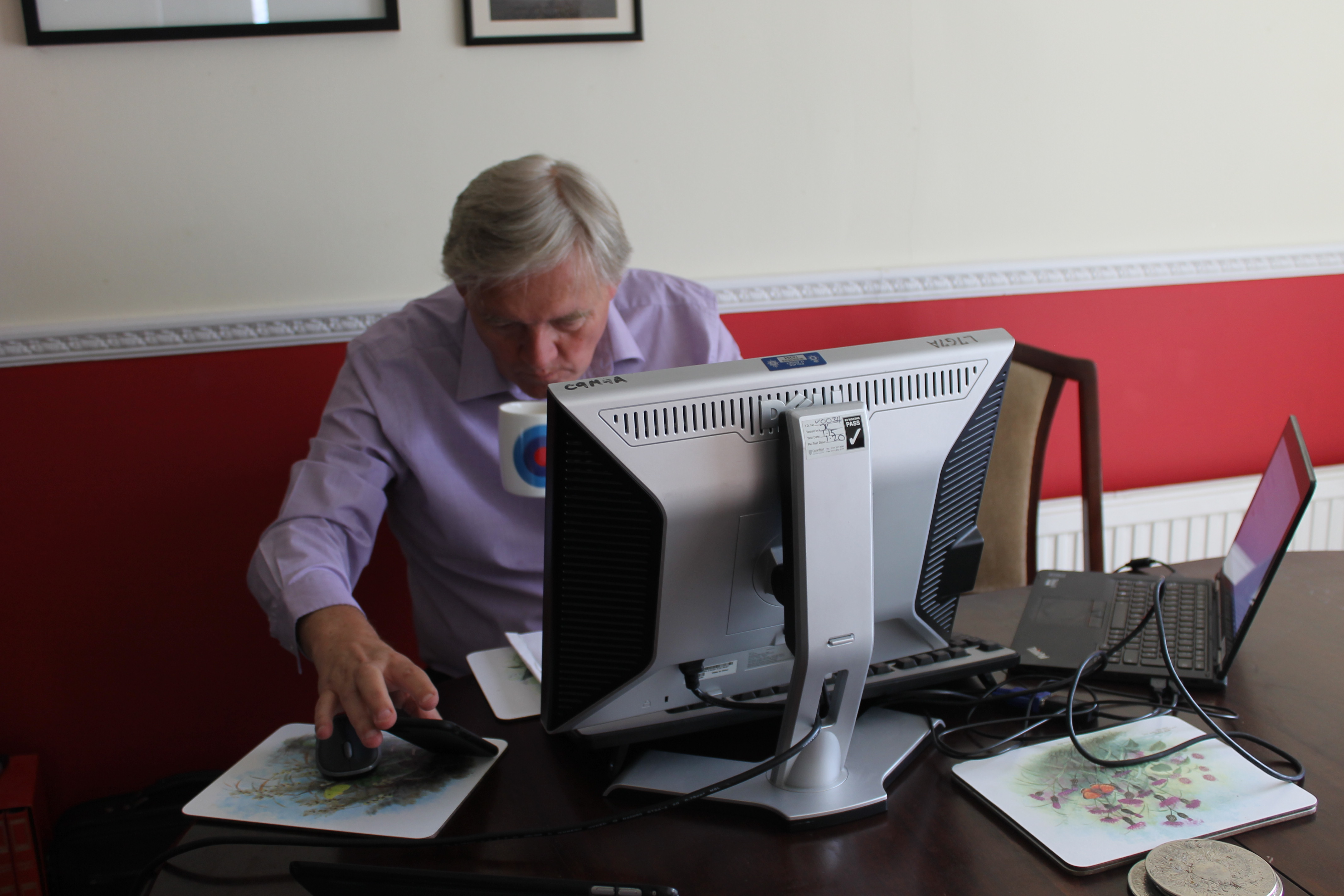
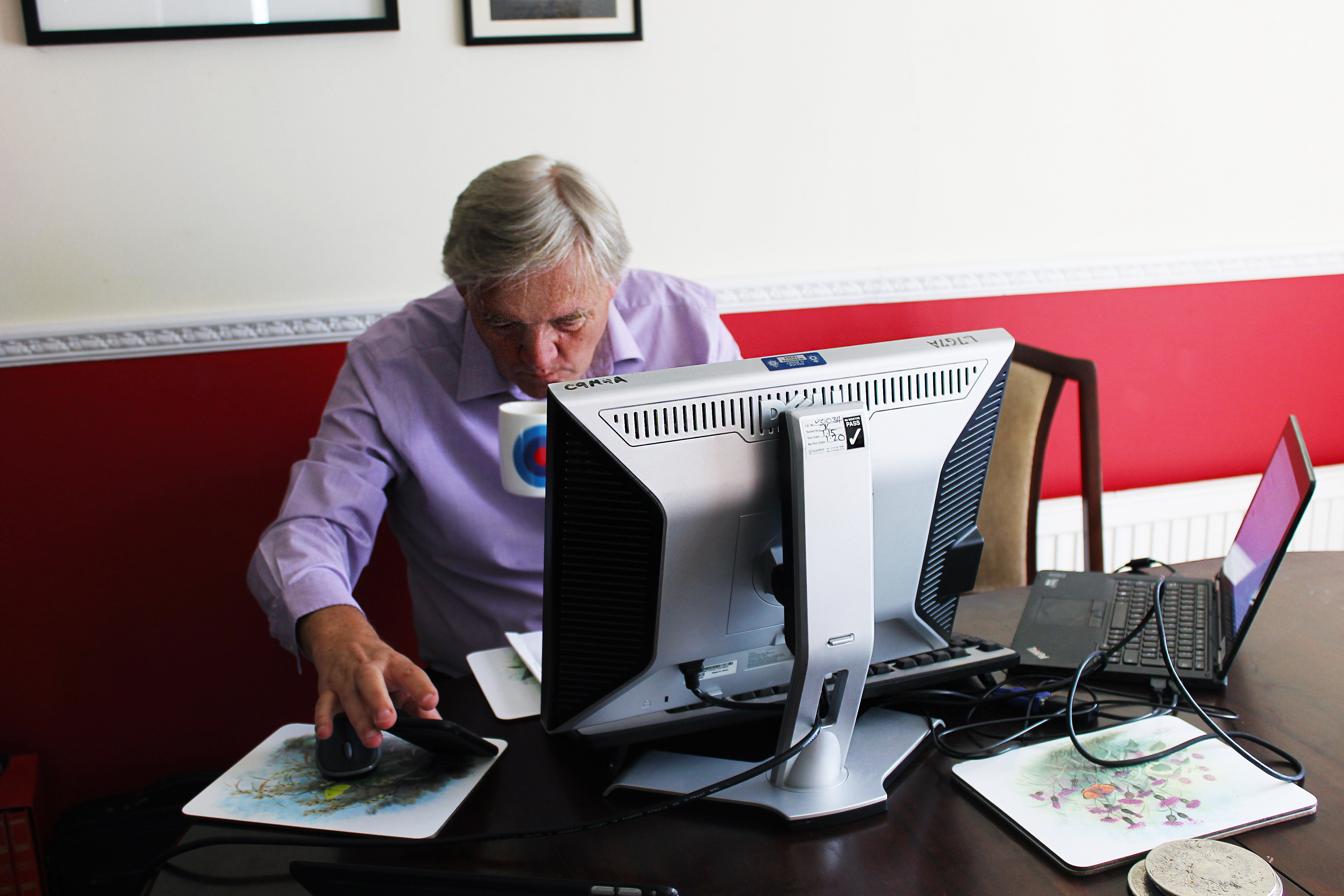
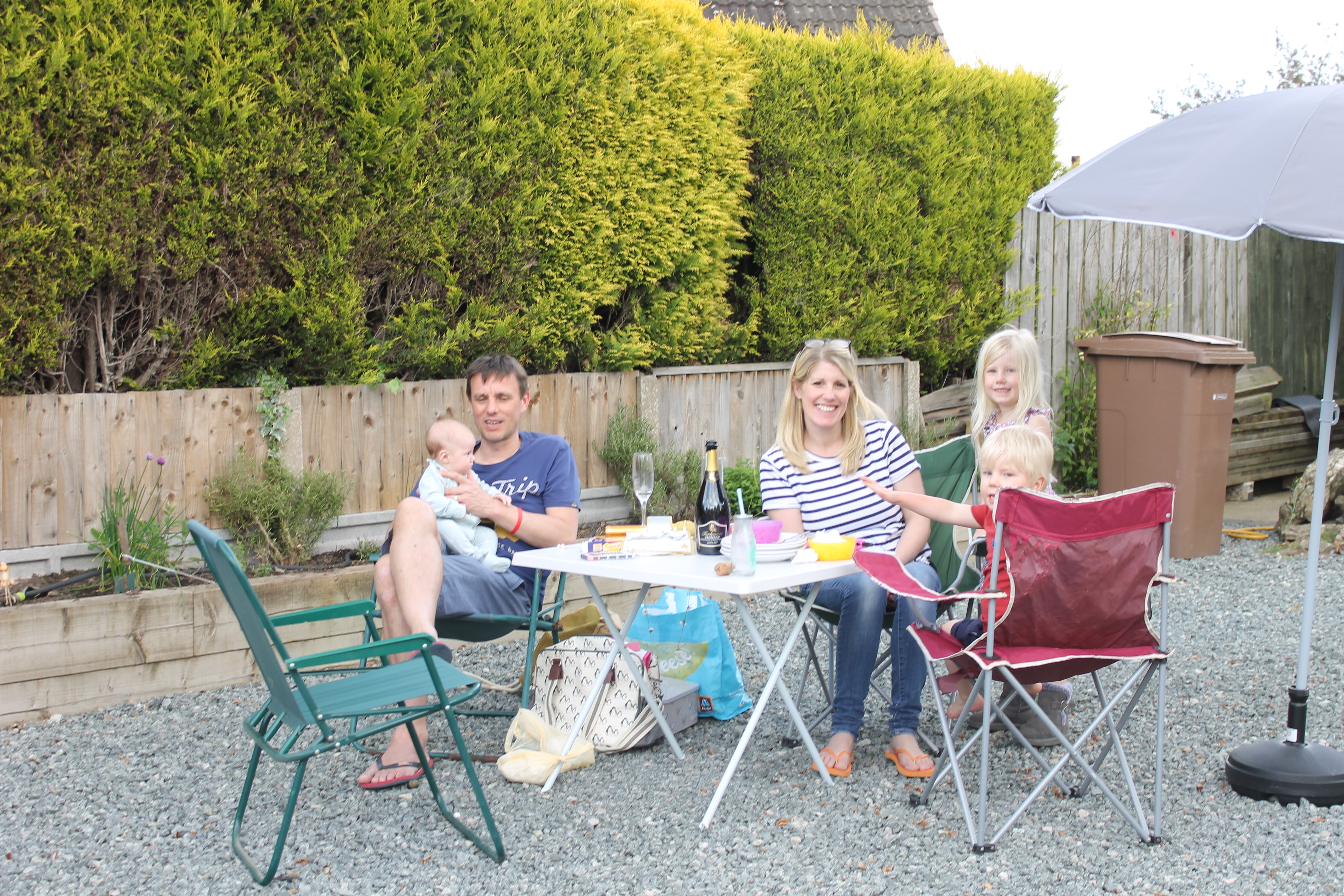
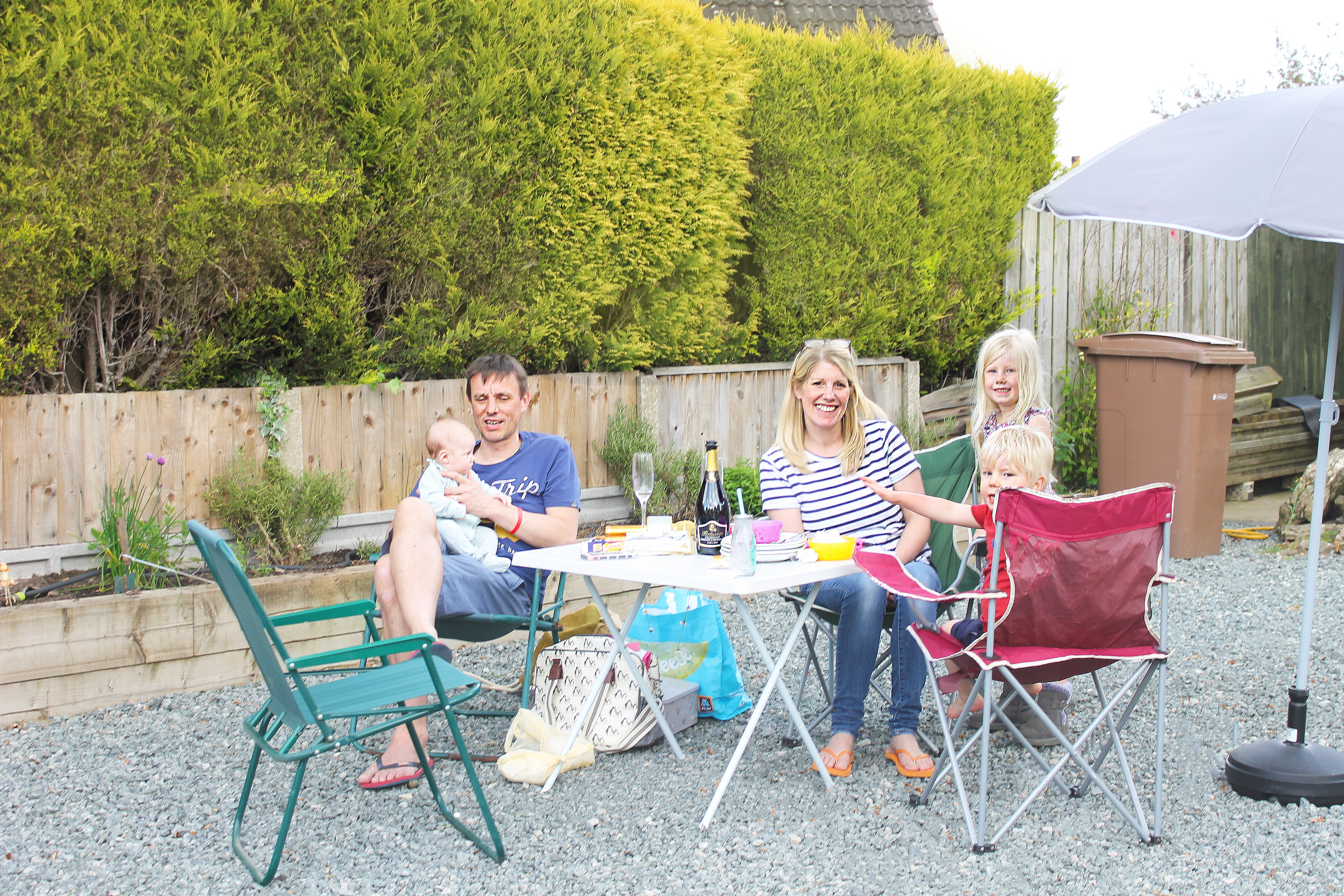
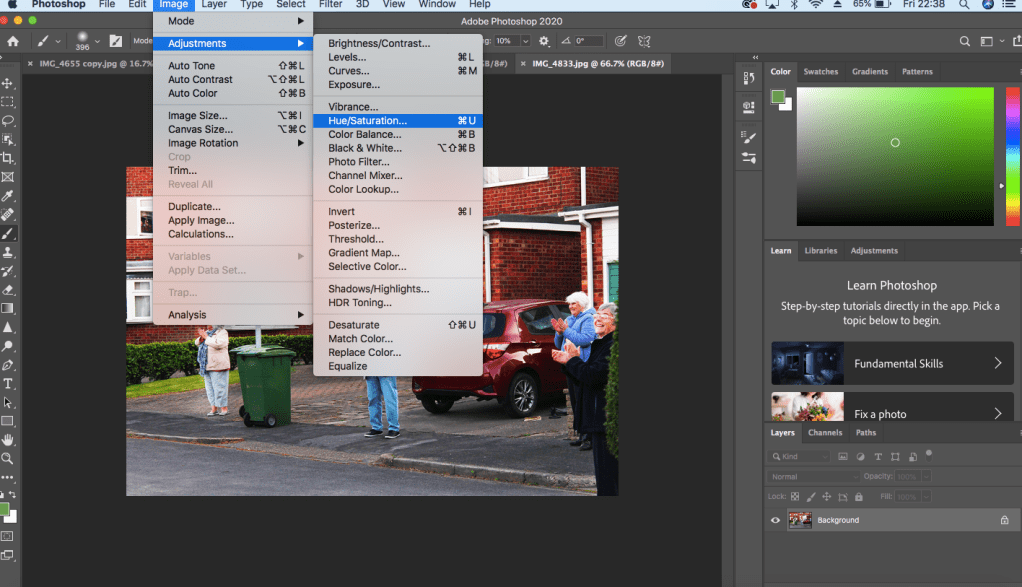
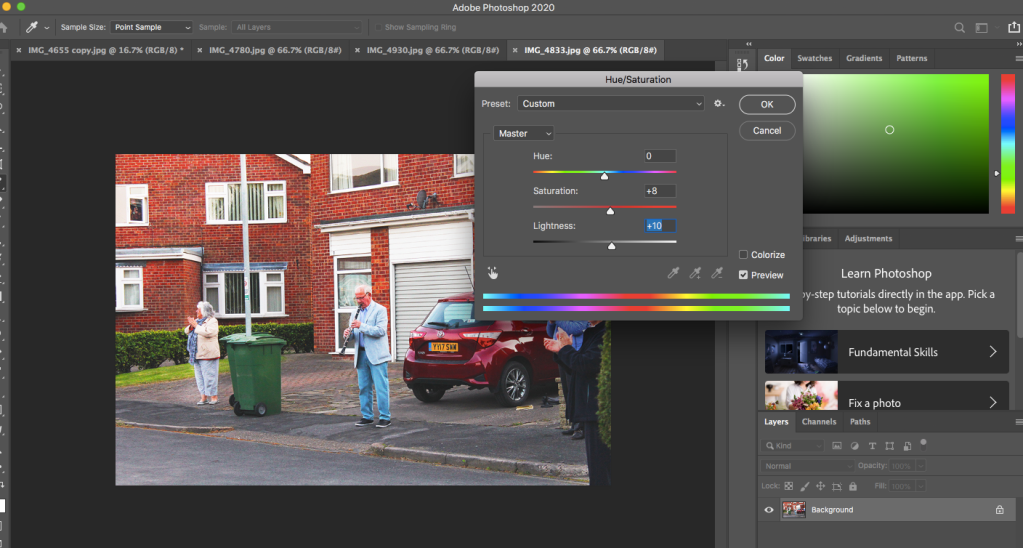
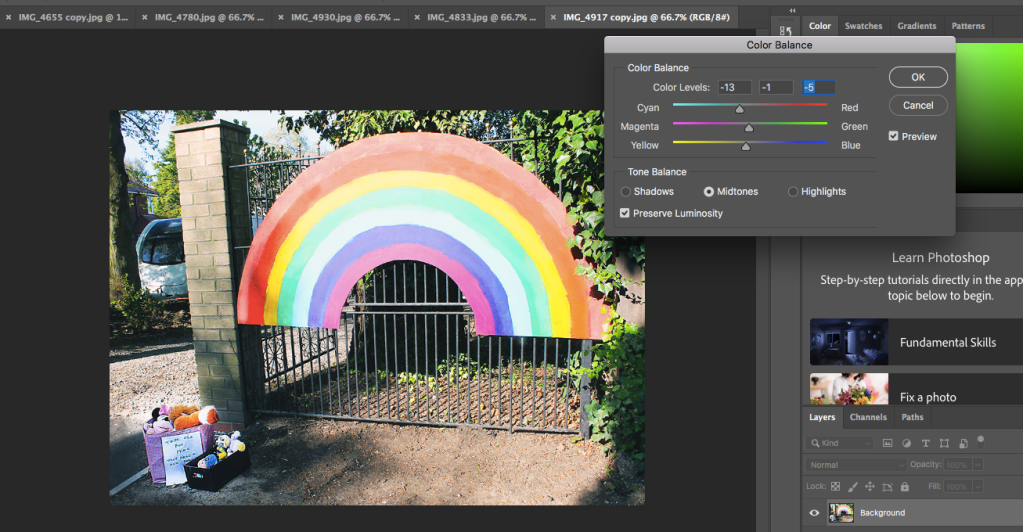
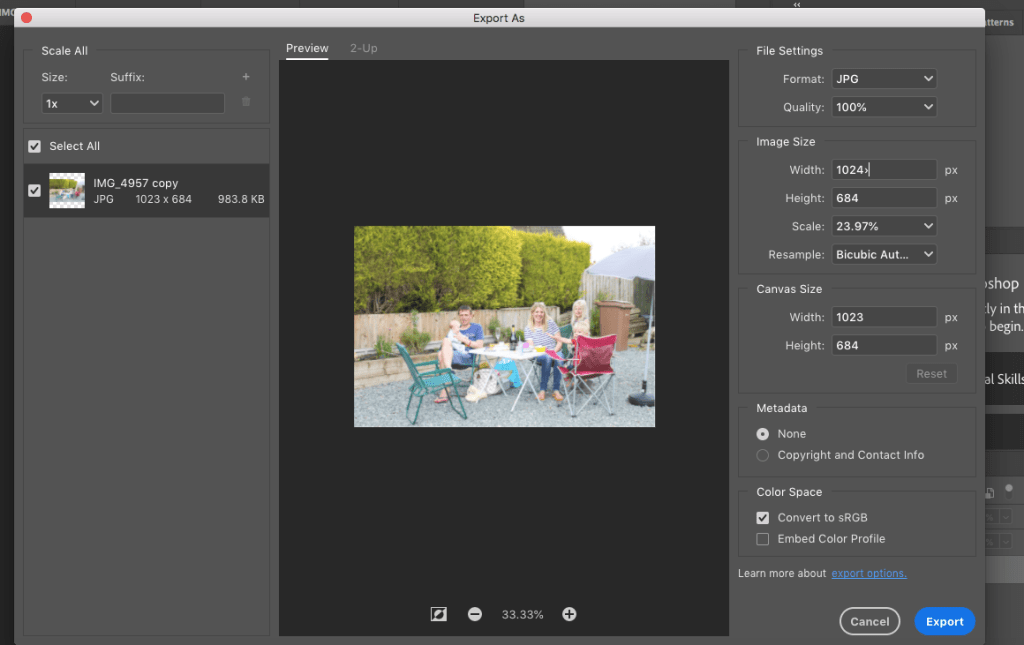
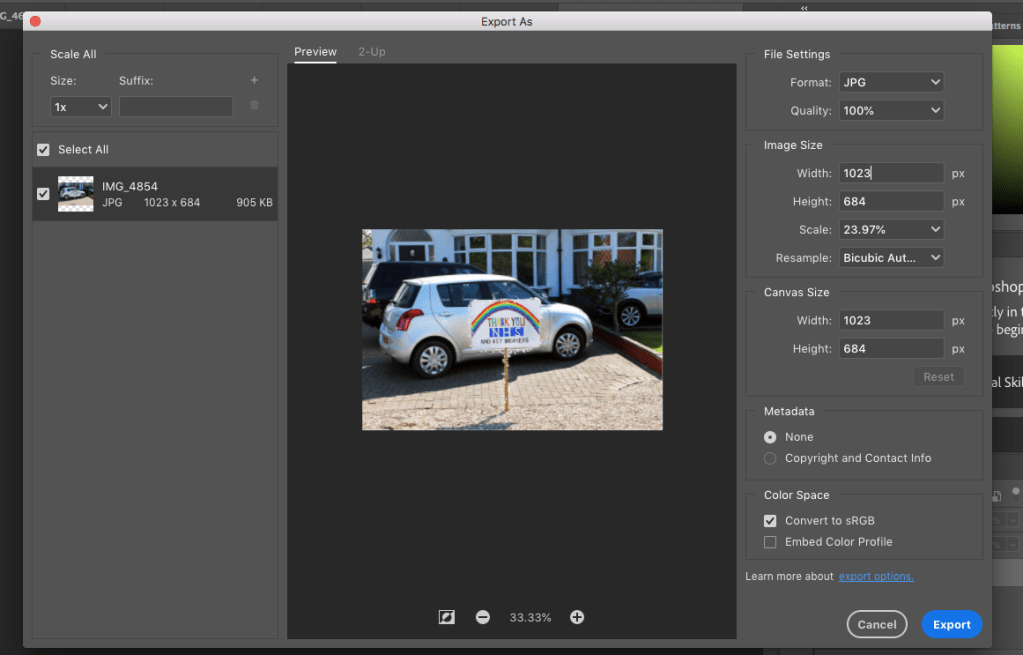
I then picked my top 12 photos and resized them to a width of 1024 as we had been shown at the beginning of the module. I also made sure to size to full size and add alt text when uploading them to wordpress for my final project.
 Jessica Trays