The first step to preparing my images in photoshop was to decide which photos I was going to use, I took my photos onto a contact sheet to display them.
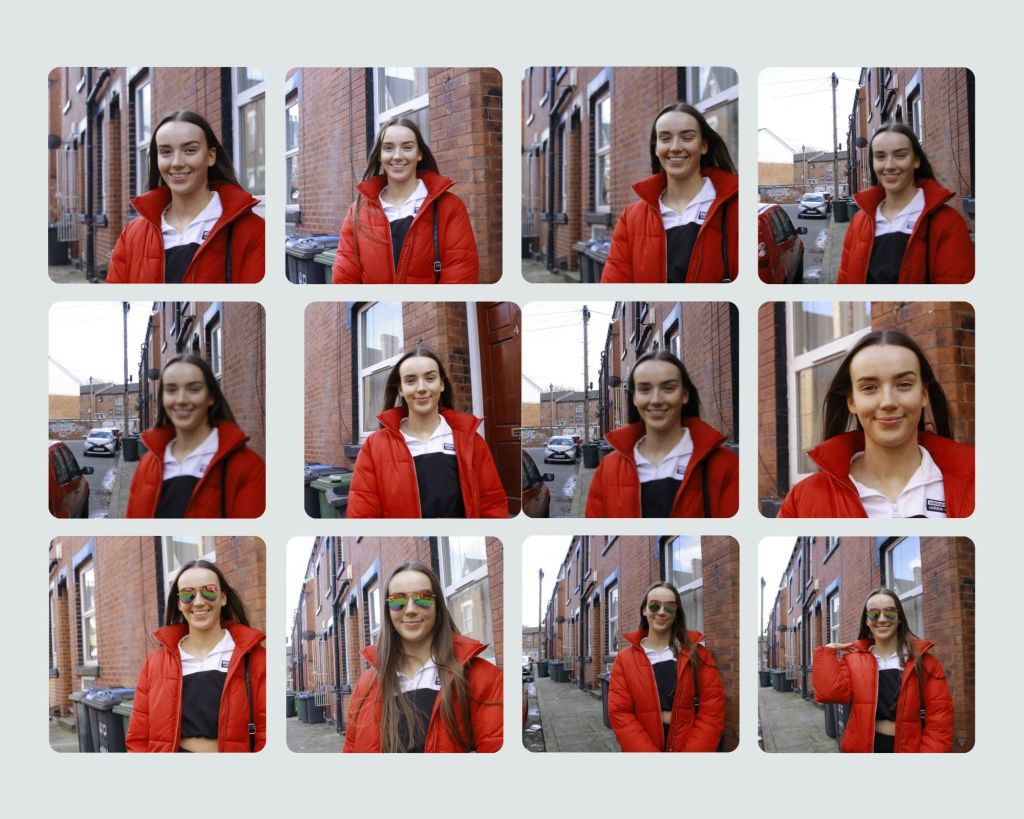
Then I went through and crossed off images that where unusable for reasons such as they were blurred or she had her eyes closed.
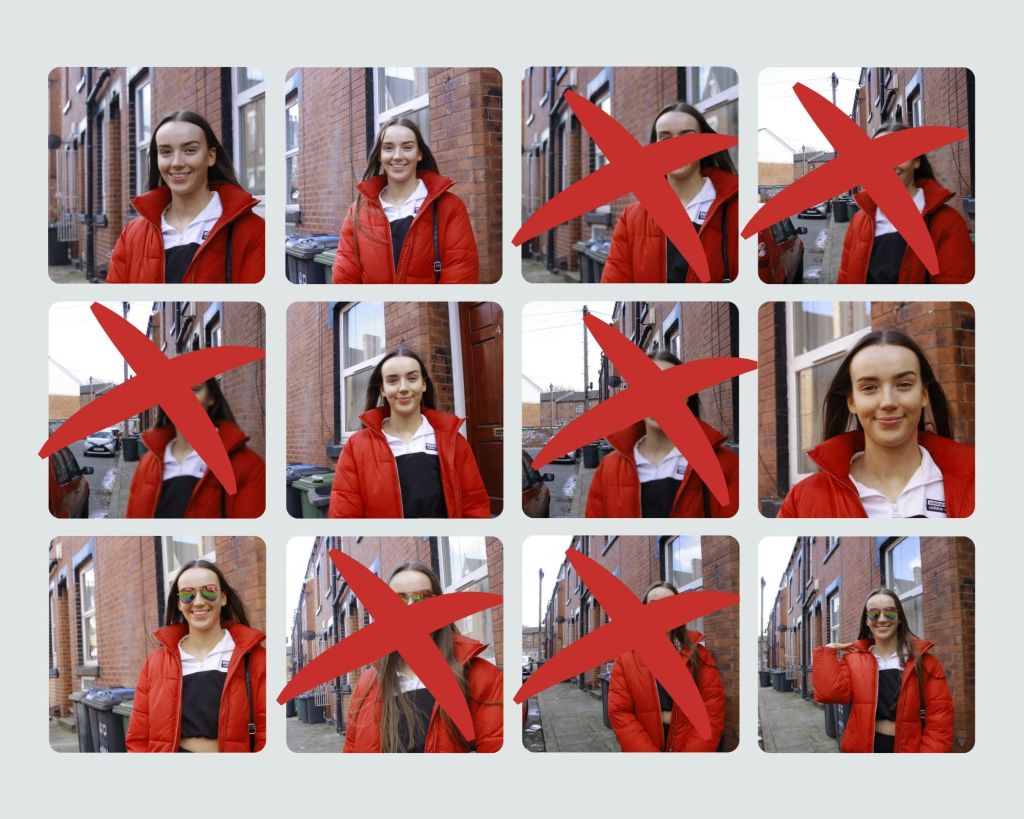
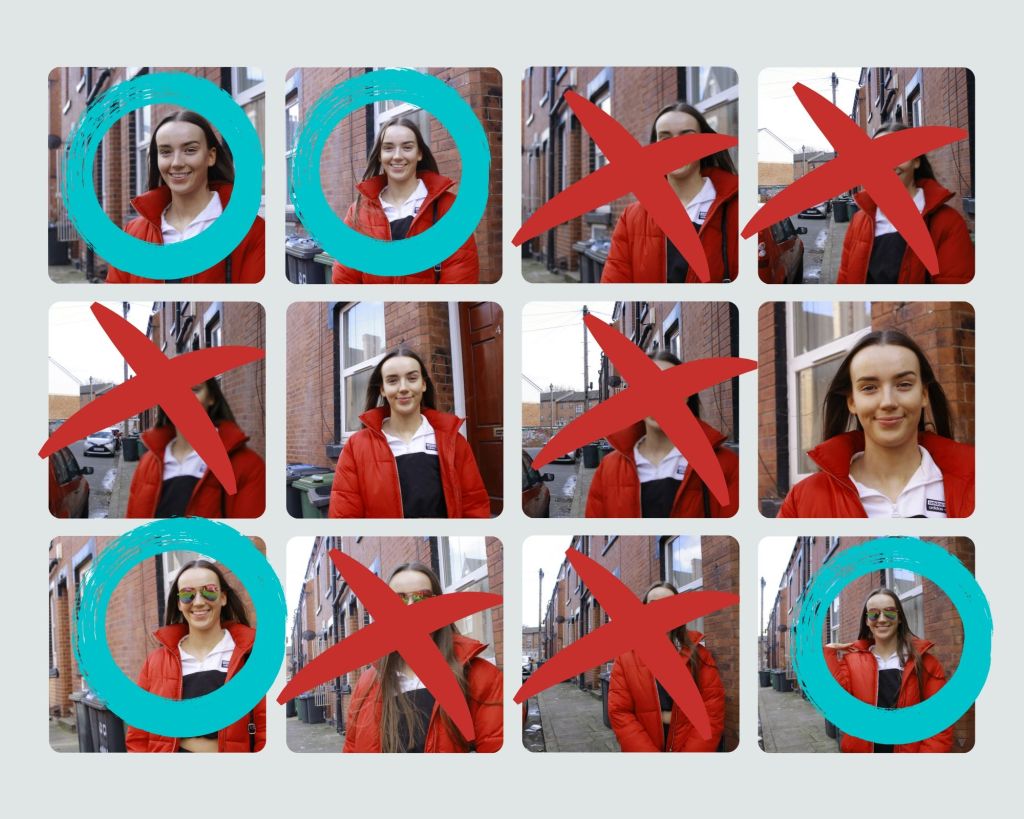
Next I went through and circled my favourite photos that I could go on to edit in photoshop.
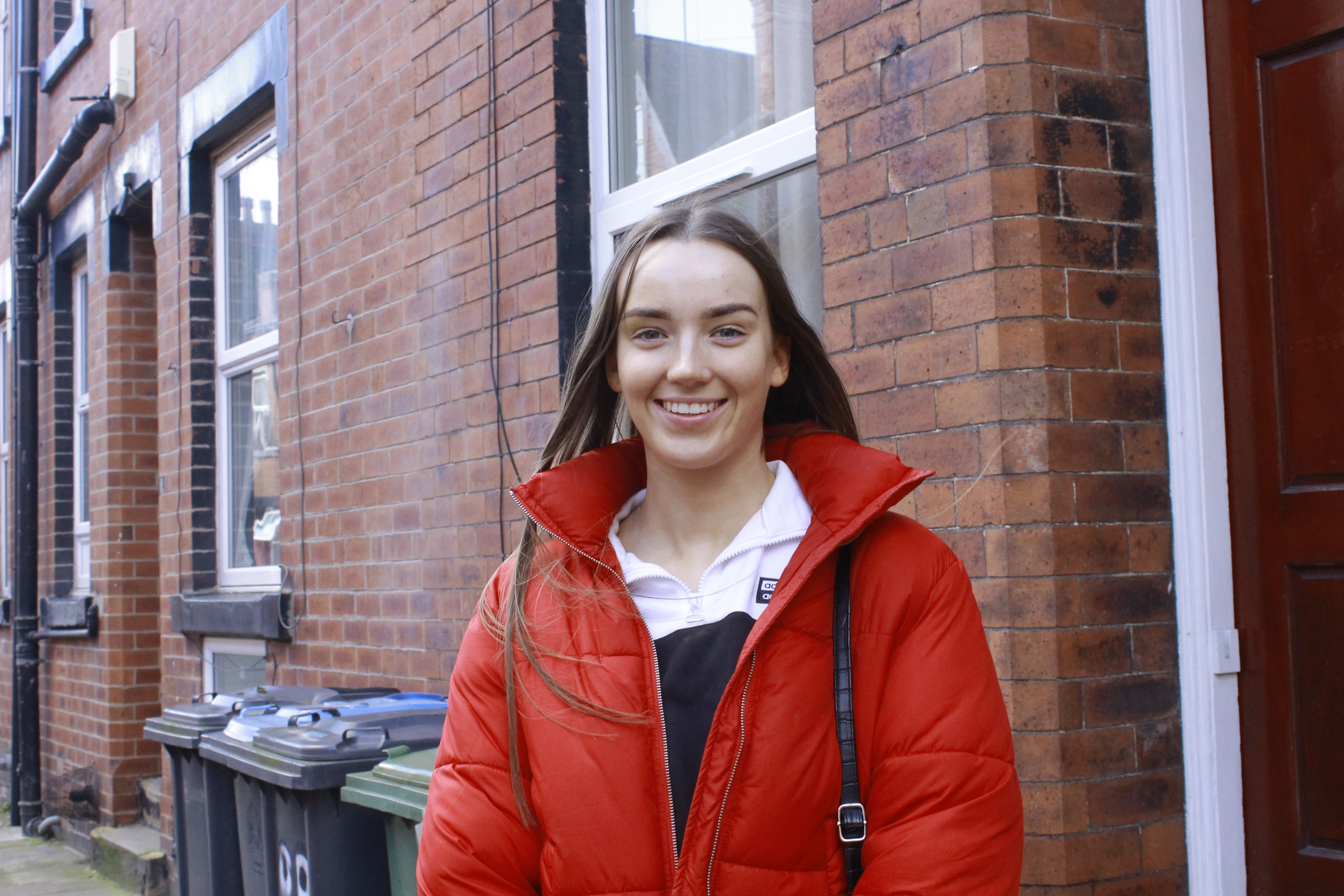
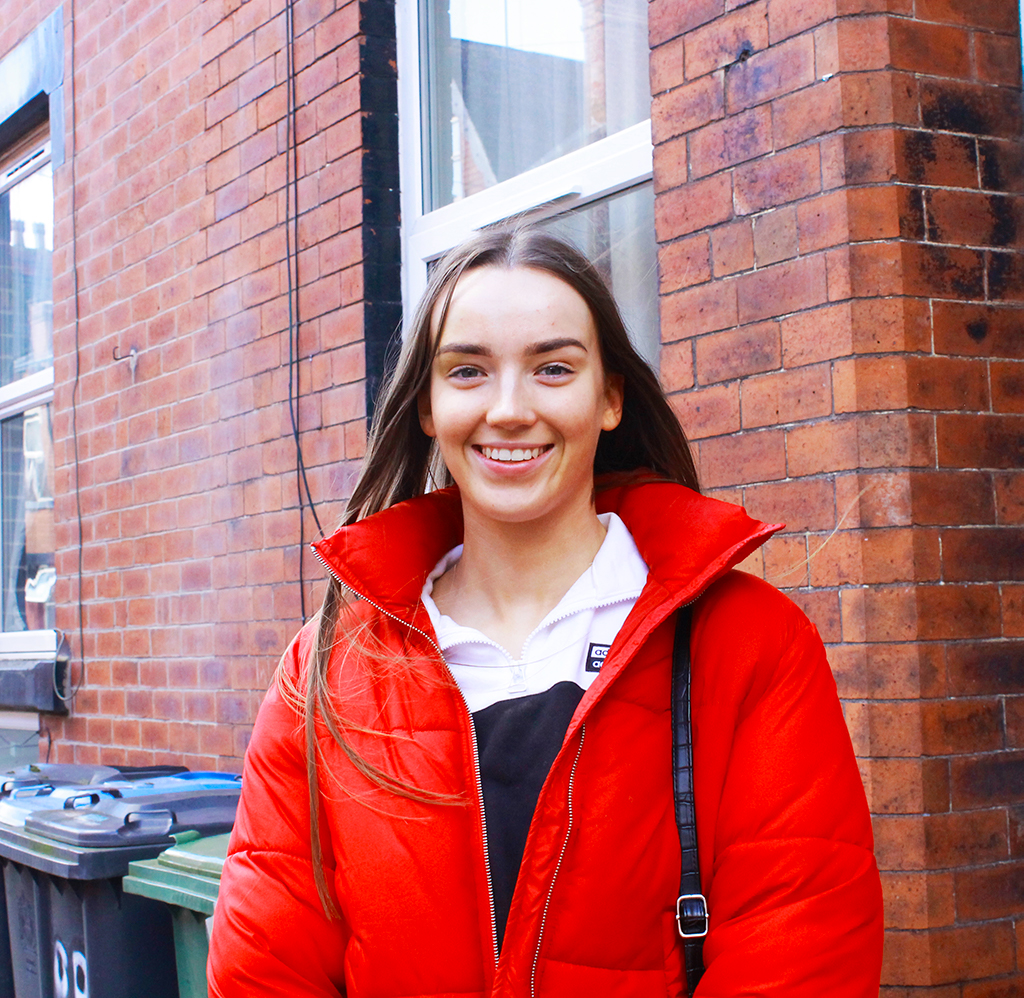
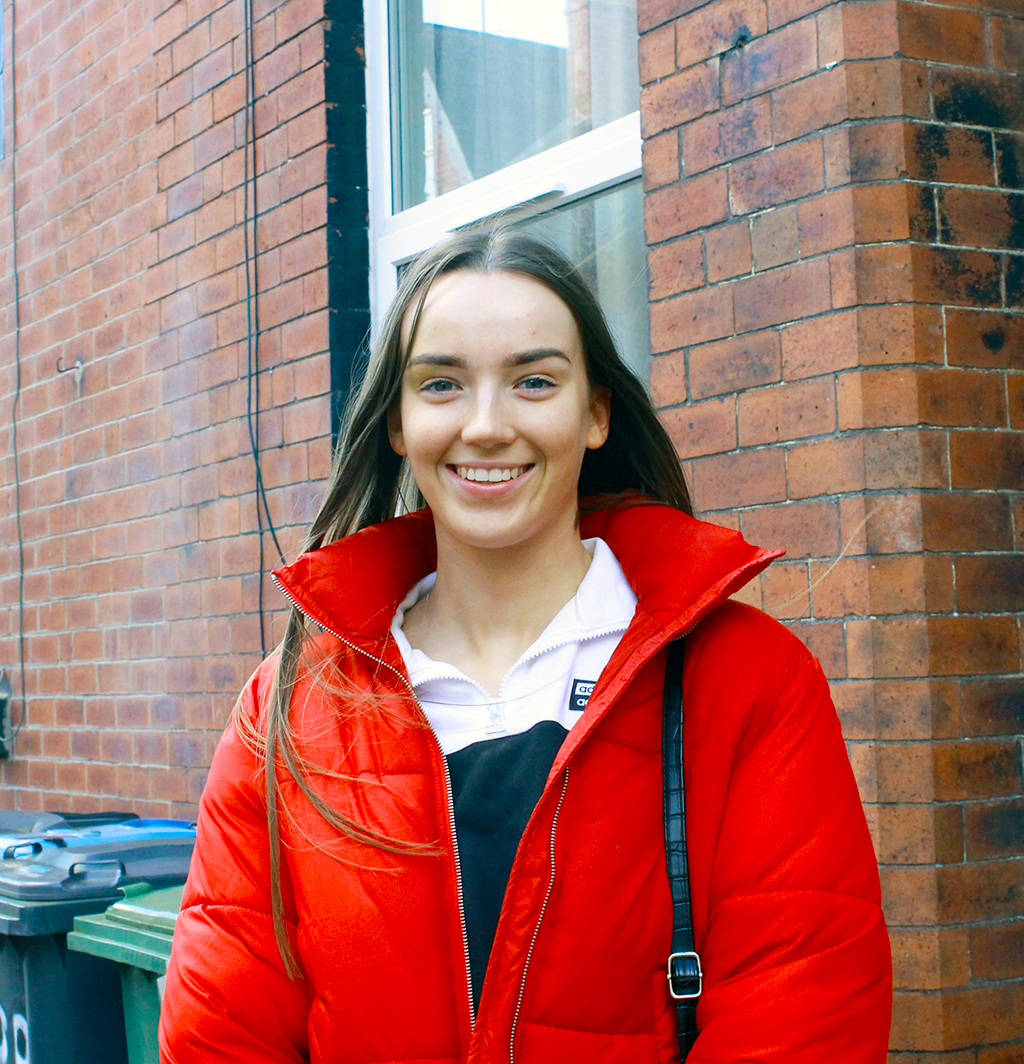
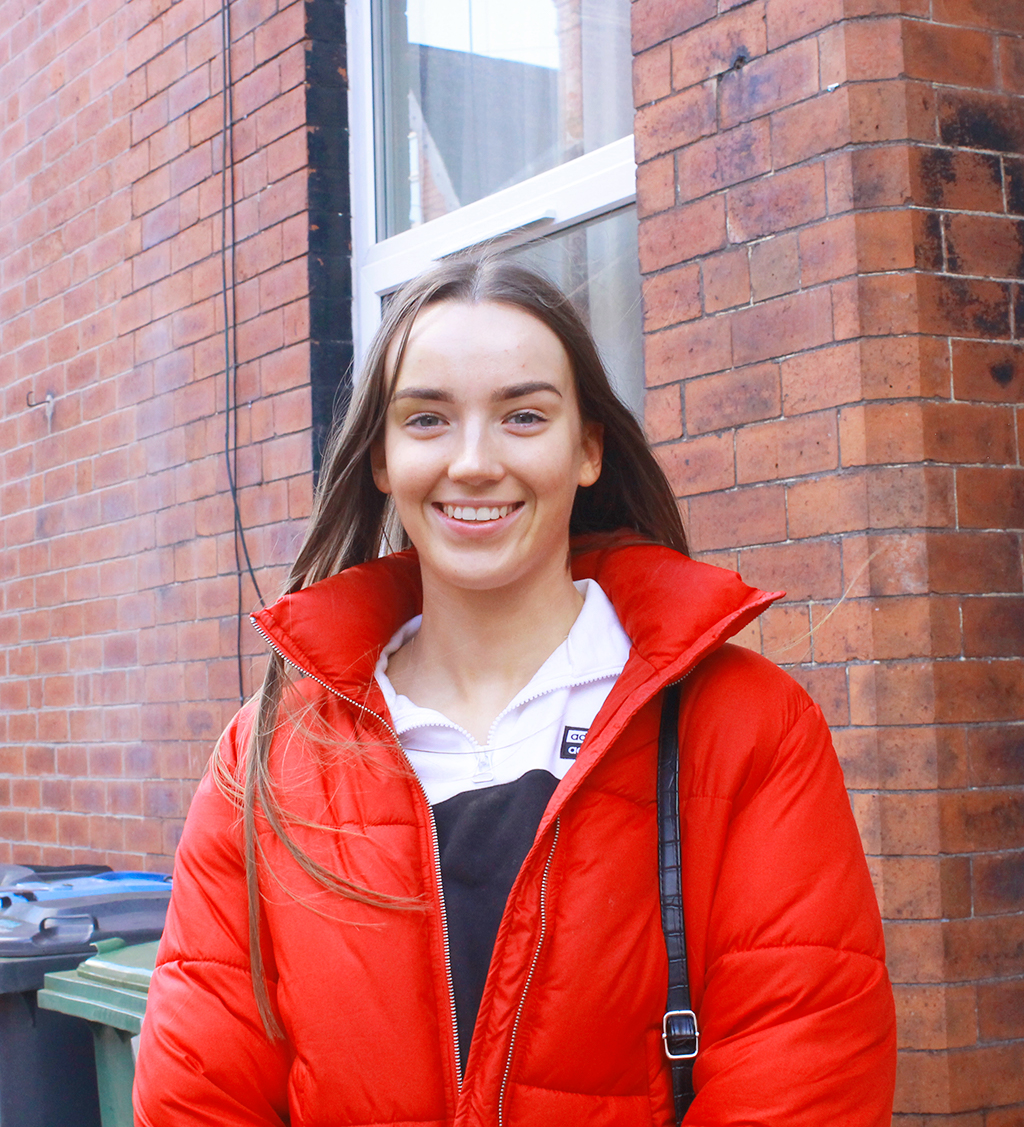
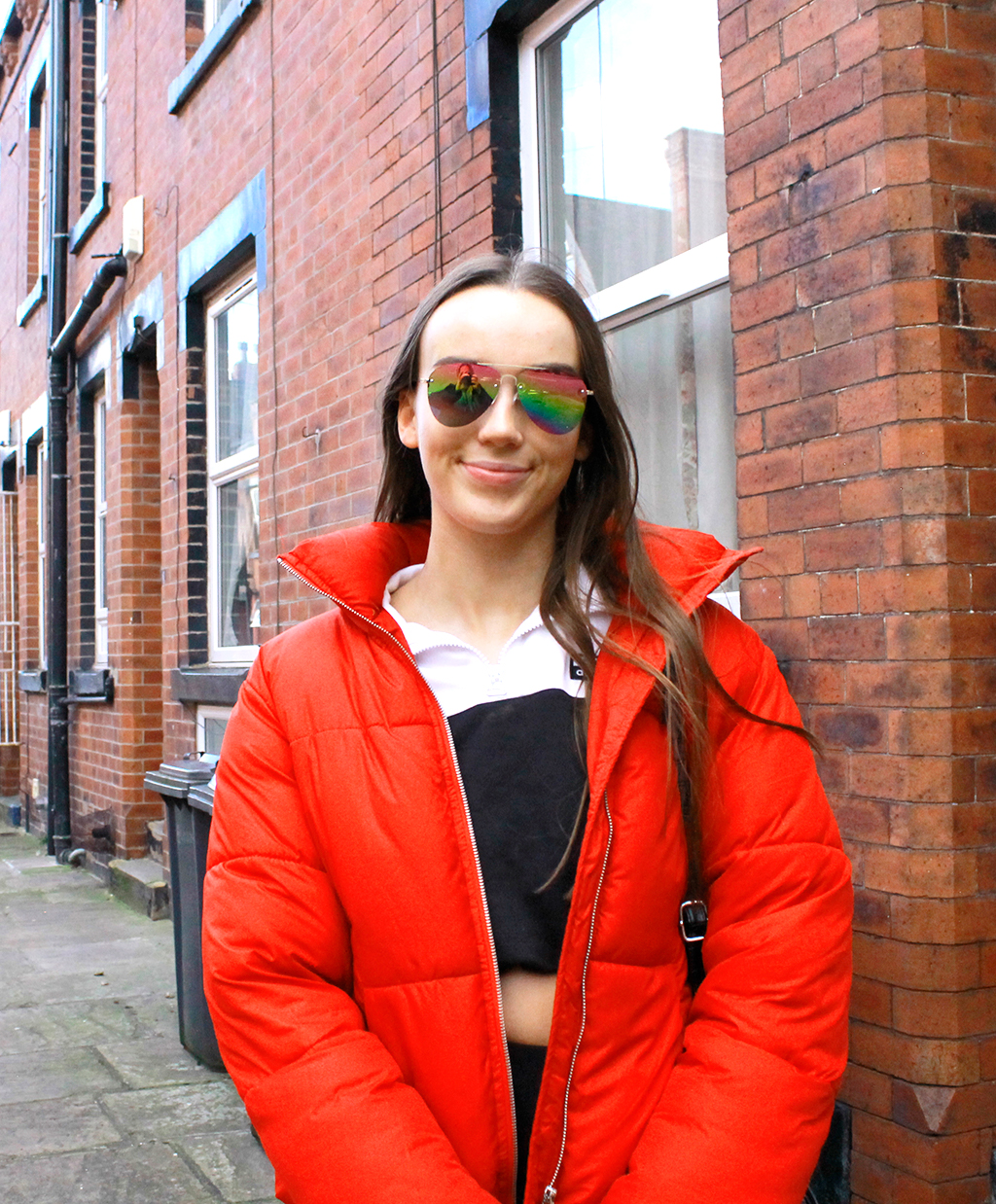
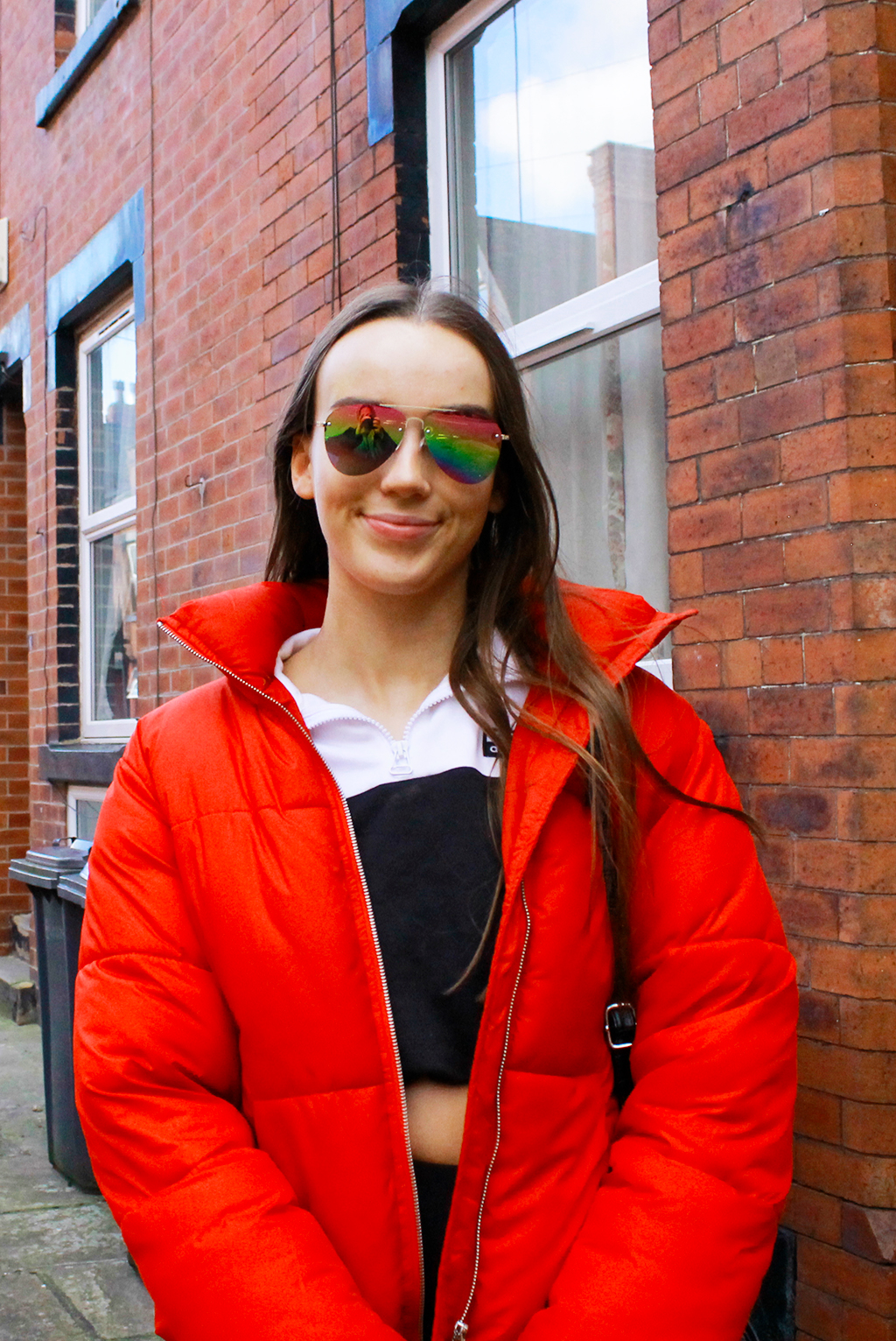
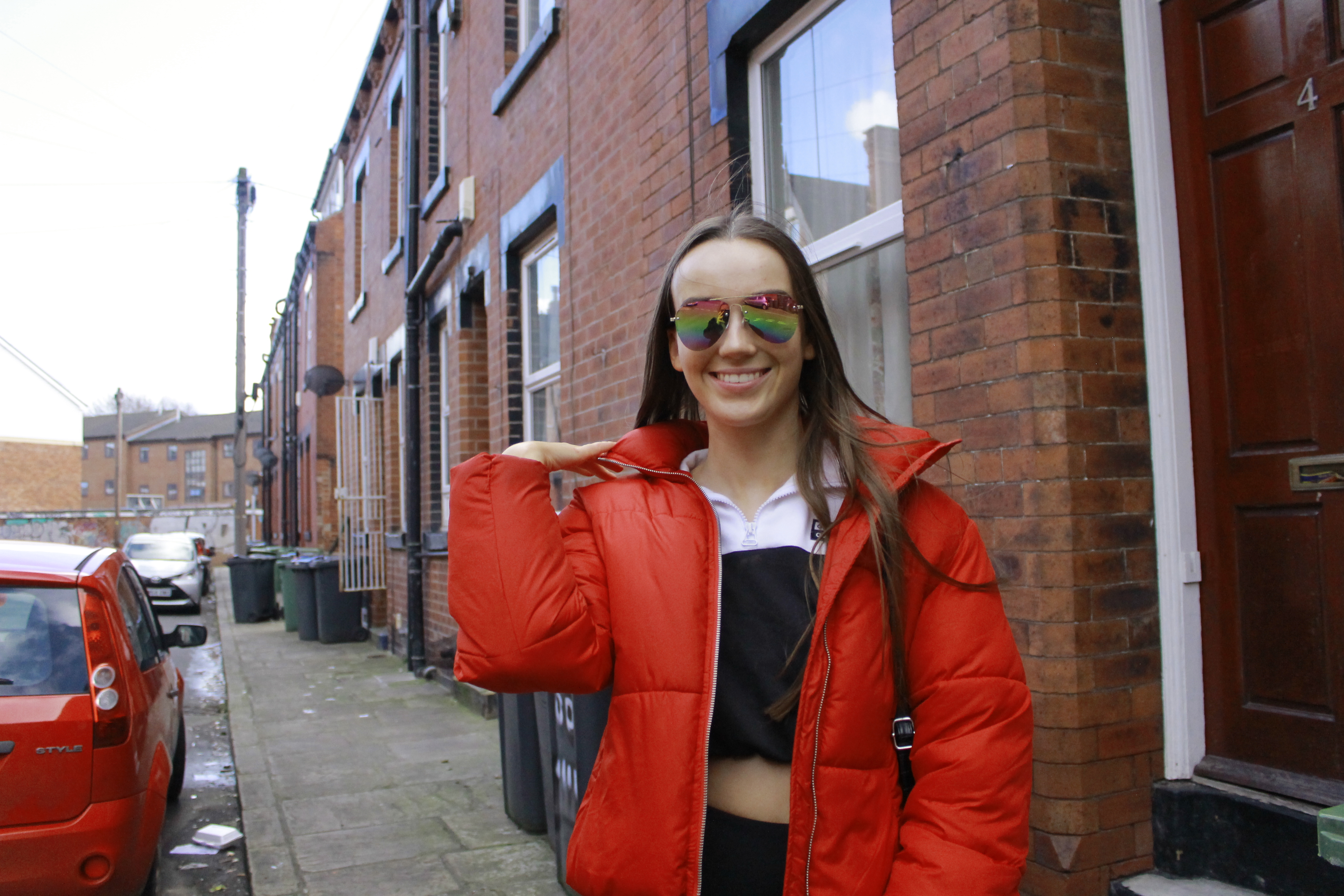
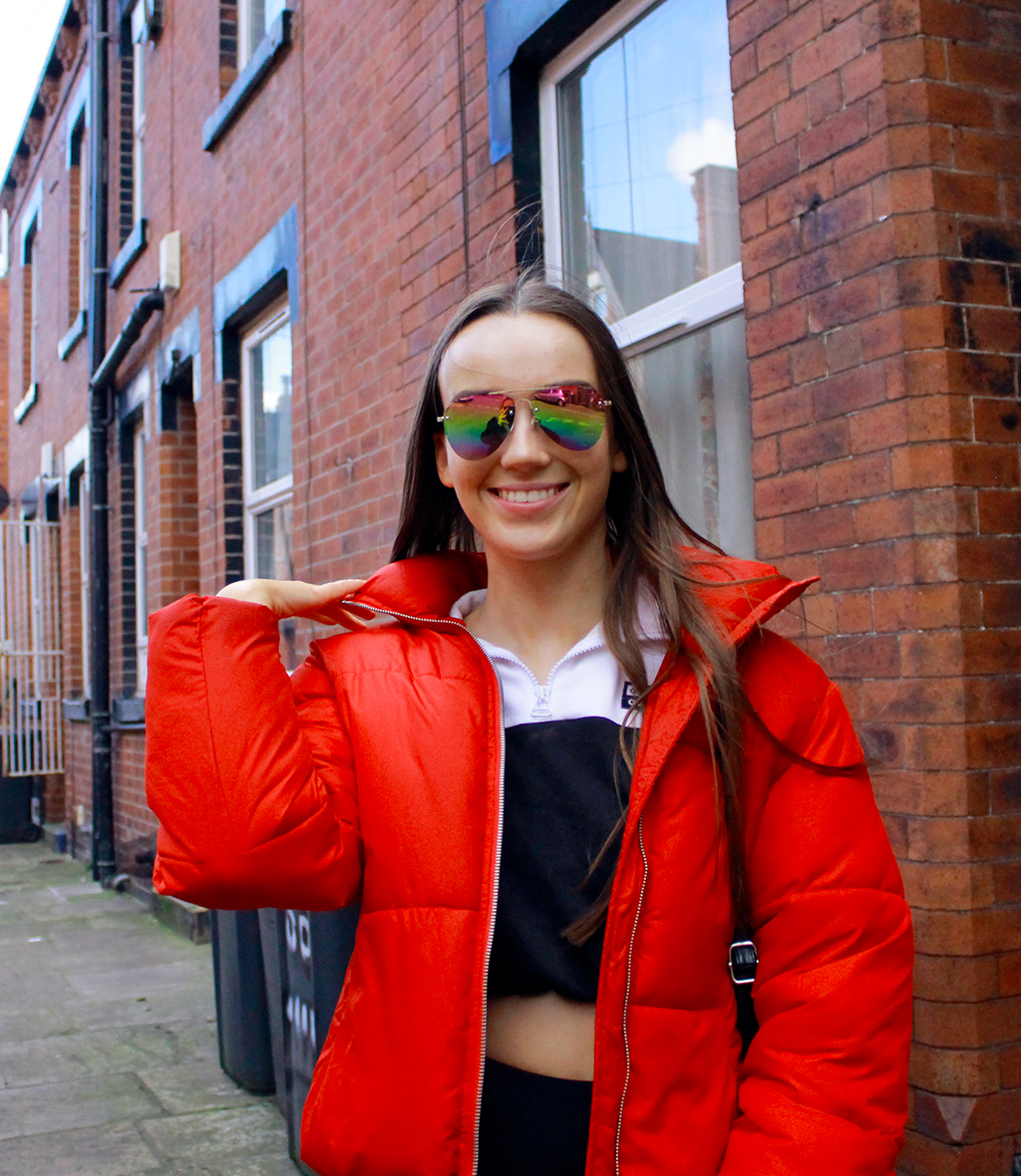
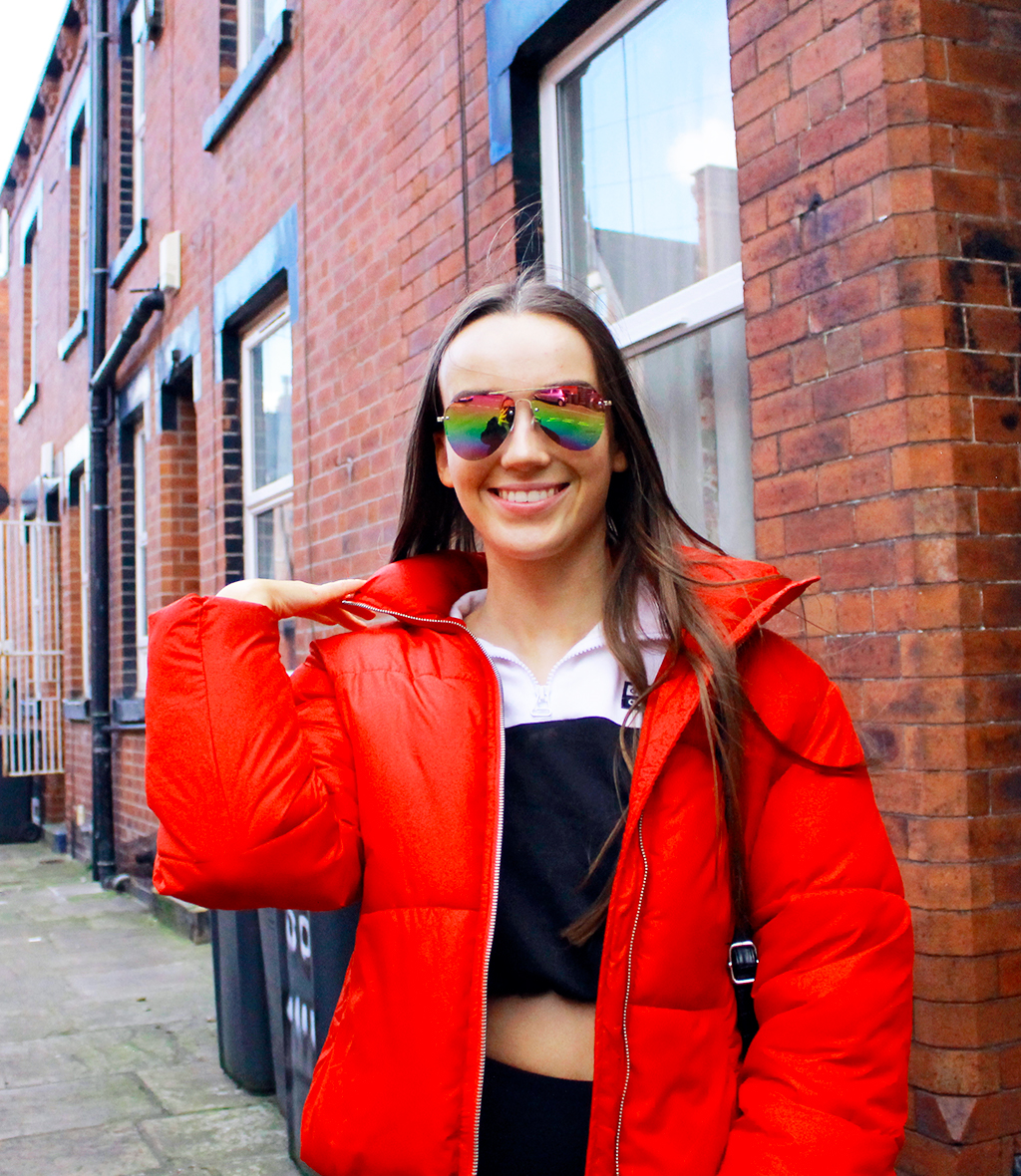
I then took the Images into photoshop and light and colour corrected them using adjustment layers. I wanted to make the images appear brighter and more colourful to capture her personality and a love for Leeds, I think I could have gone further with the colour correction but as I was knew to this I didn’t want to go overboard with adjustments. I also cropped the image to focus on Erin and not the bins in the background. Finally I resized the image to 1024 pixels wide before exporting.
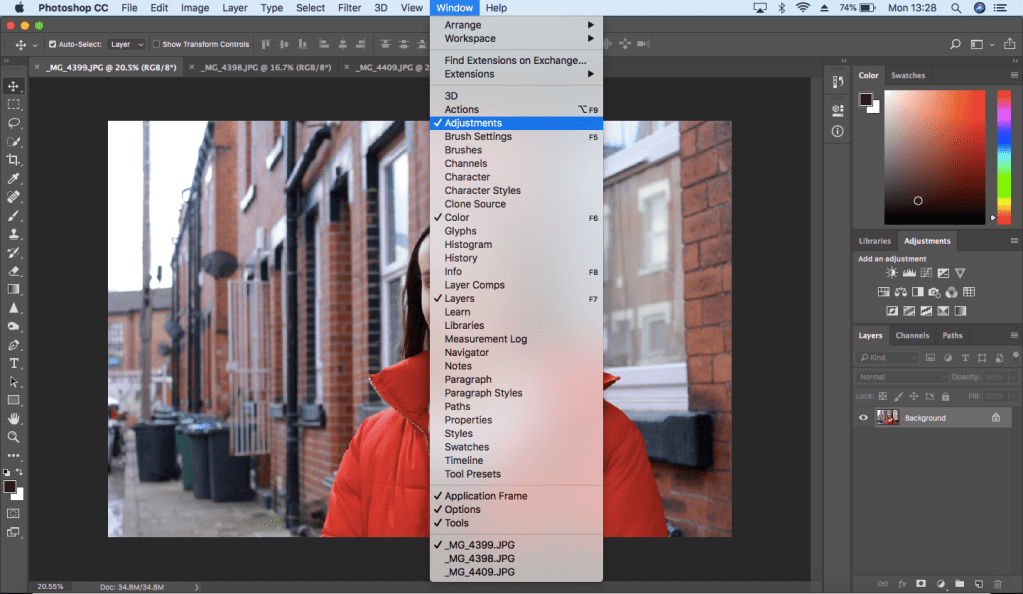
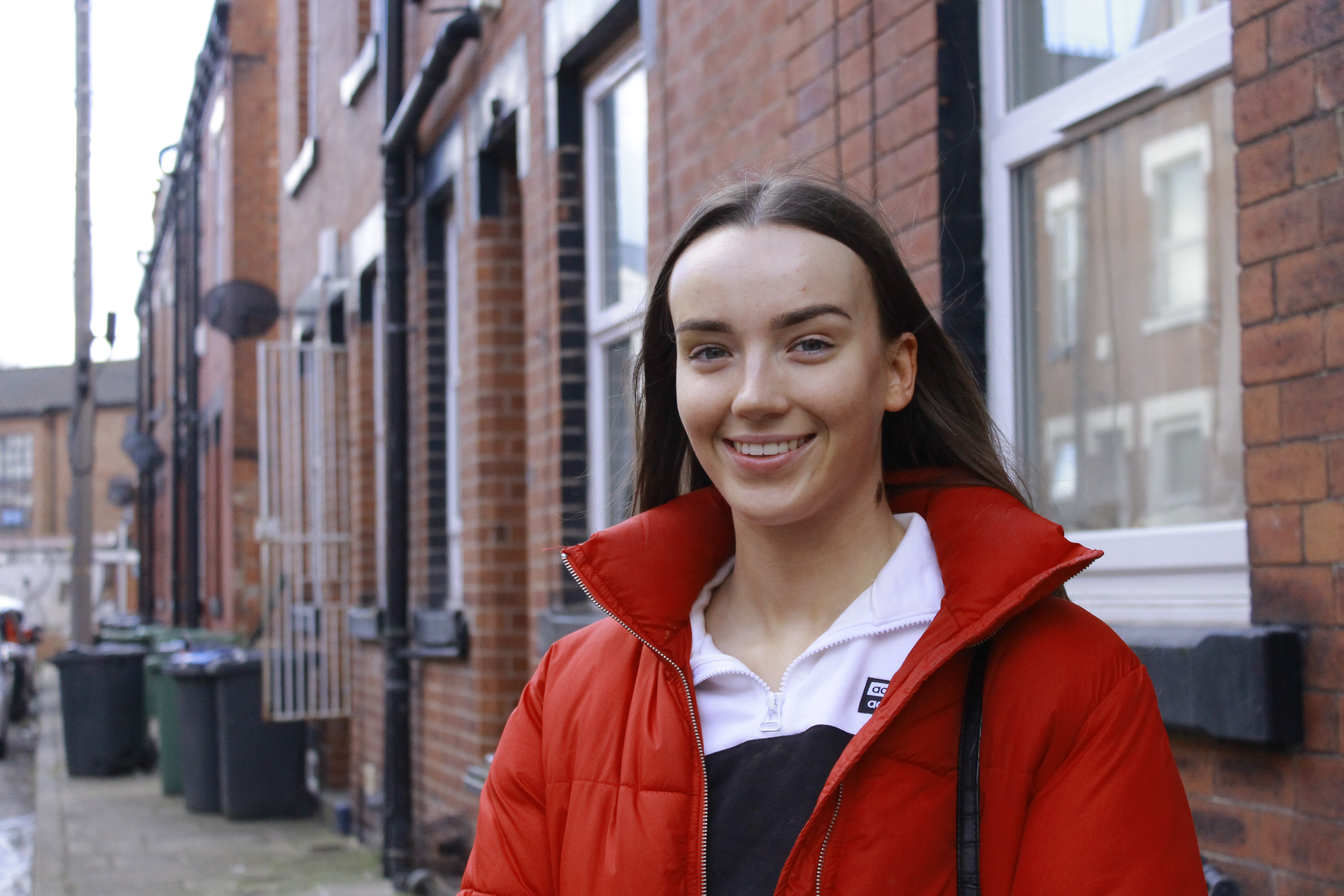
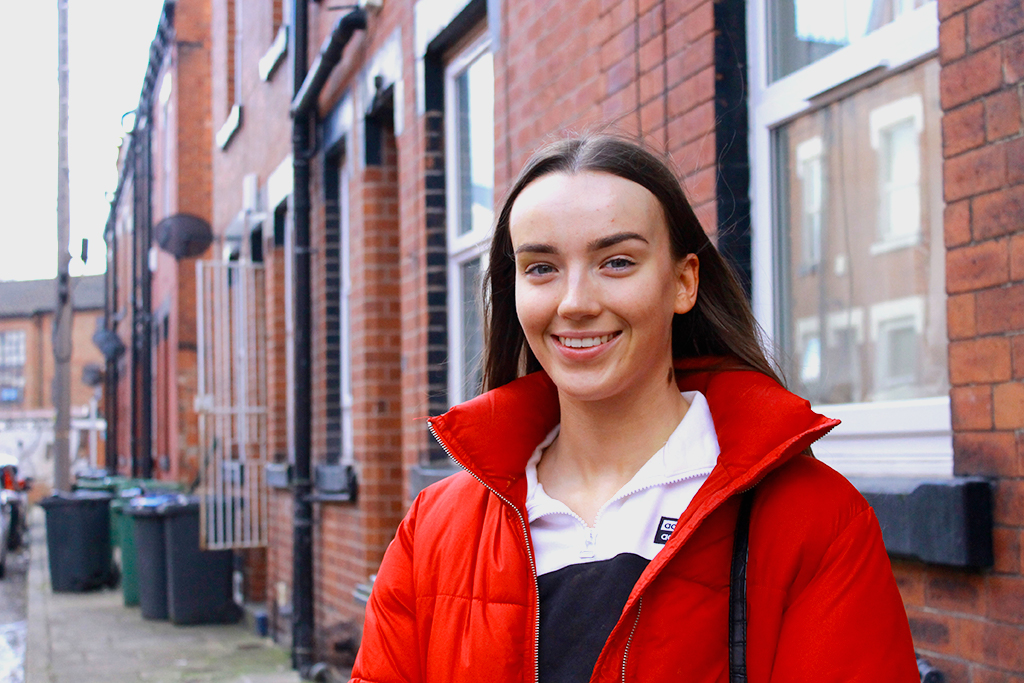
I tried out a few different styles of colour and light correcting. I also decided to crop the images so the subject stands out and is engaging to the audience.
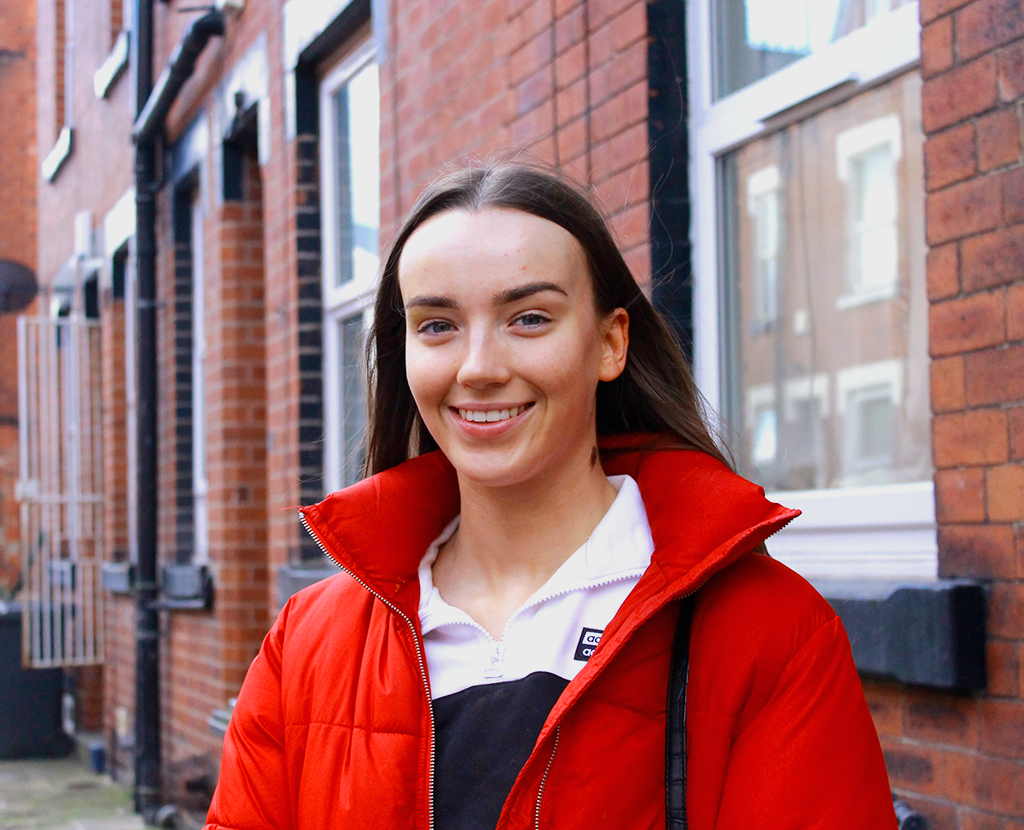
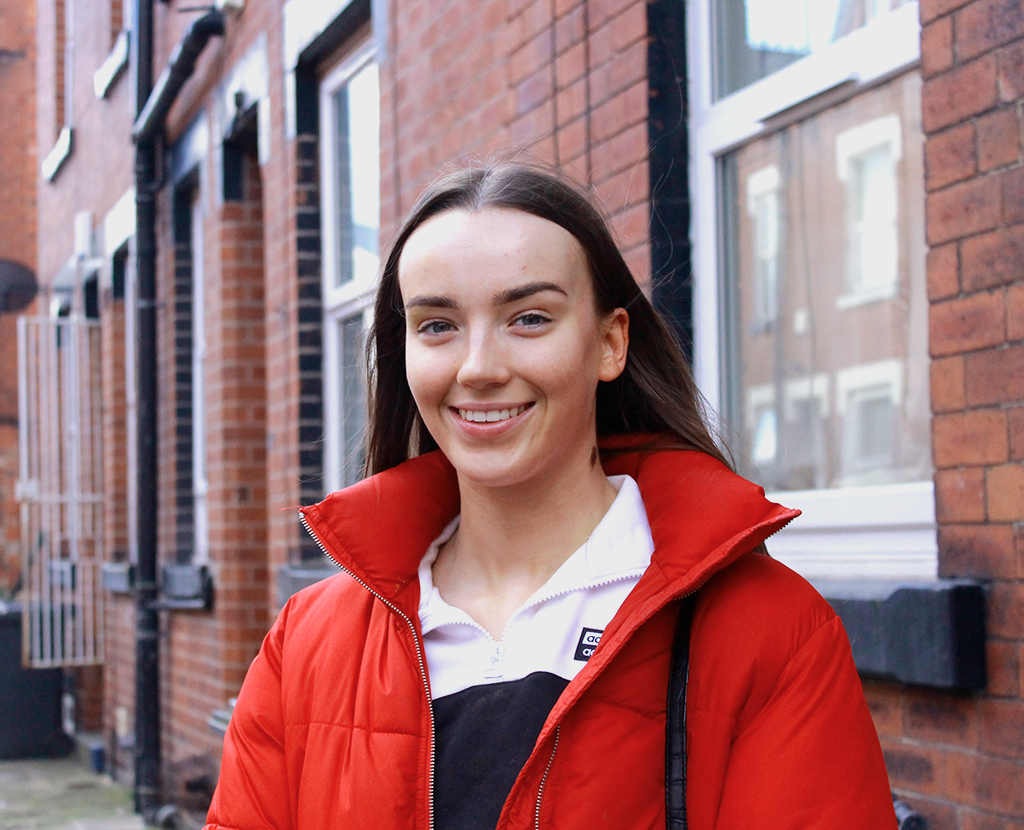
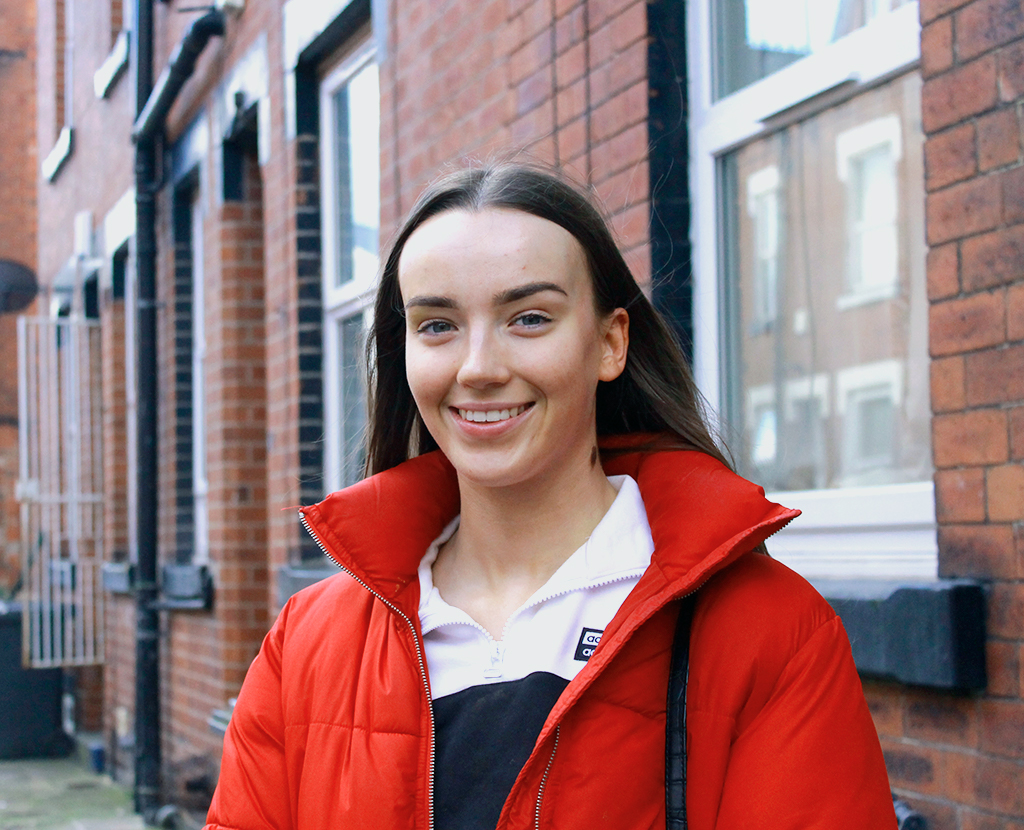
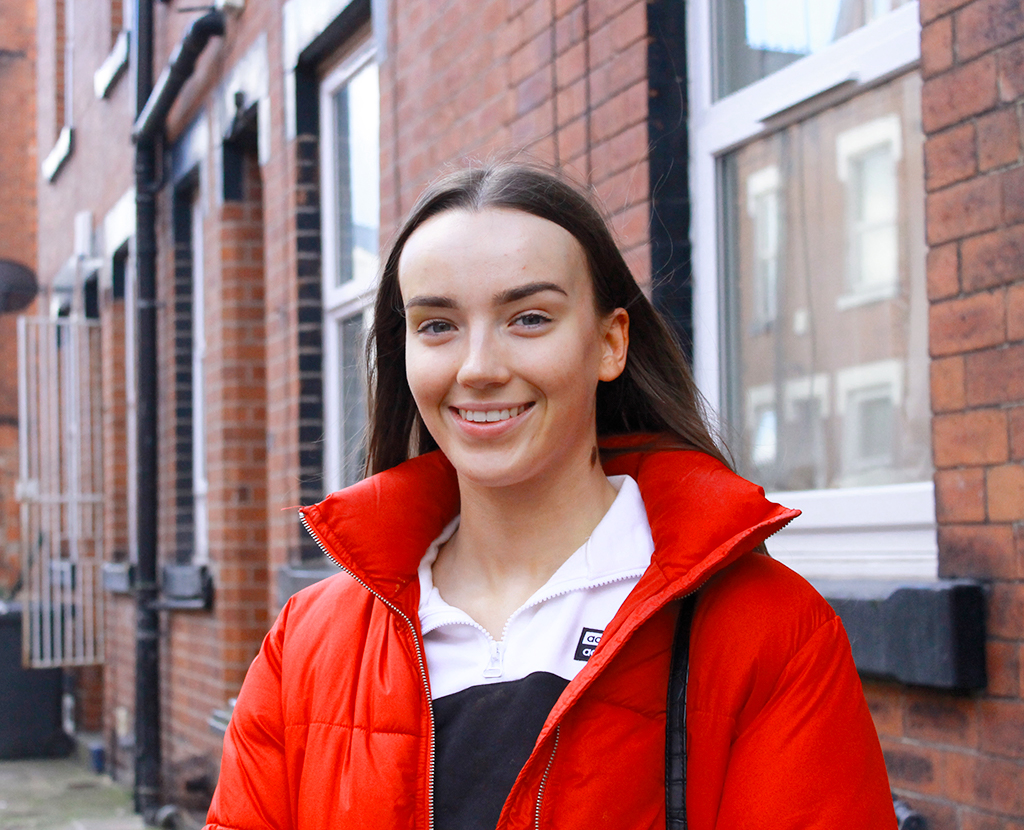
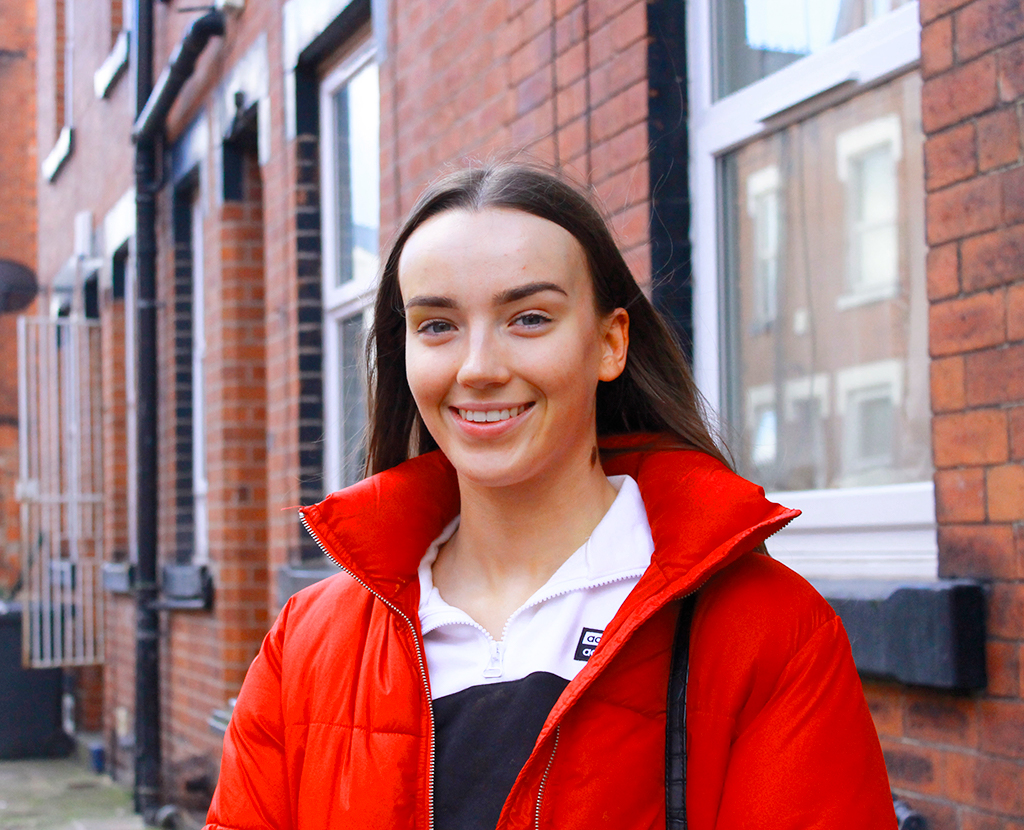
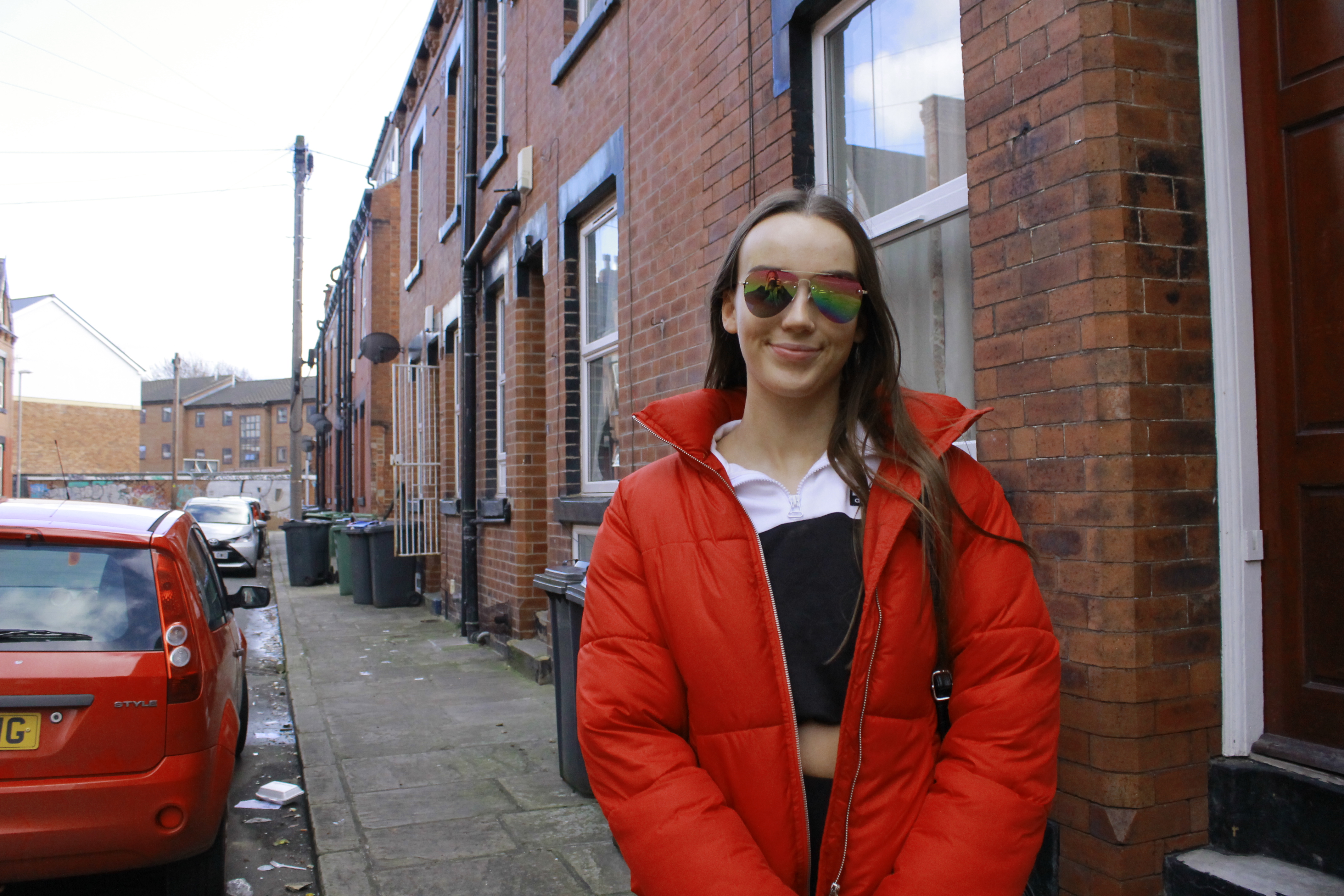
I then repeated the process with my other chosen images.
 Jessica Trays